
SOLIDWORKS and Manufacturing, for People Who Run Machines
Comparisons, migration guides, and buyer's guides for machine shops, written by a SOLIDWORKS reseller that knows what happens after the model leaves the screen.
Showing 63 of 63
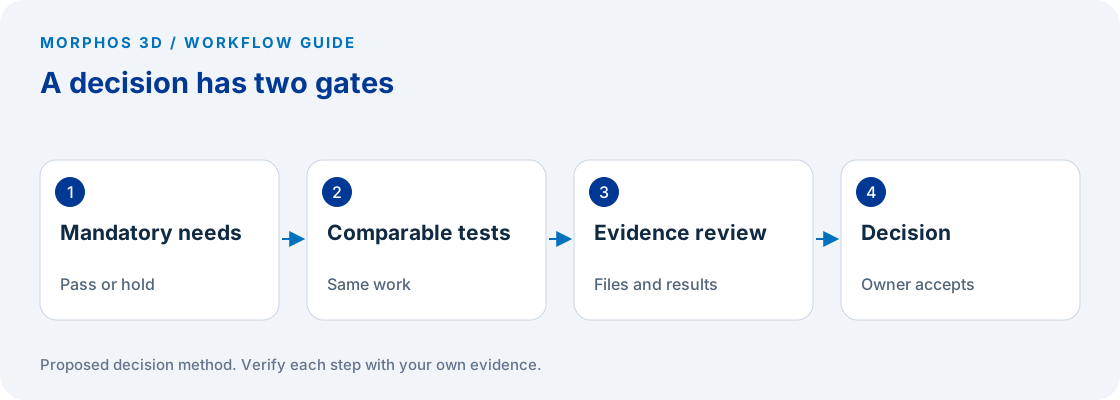
CAD Evaluation Scorecard for Small Engineering Teams
Turn a CAD shortlist into a testable decision, with requirements your engineering team can score and a record of the evidence behind each score.
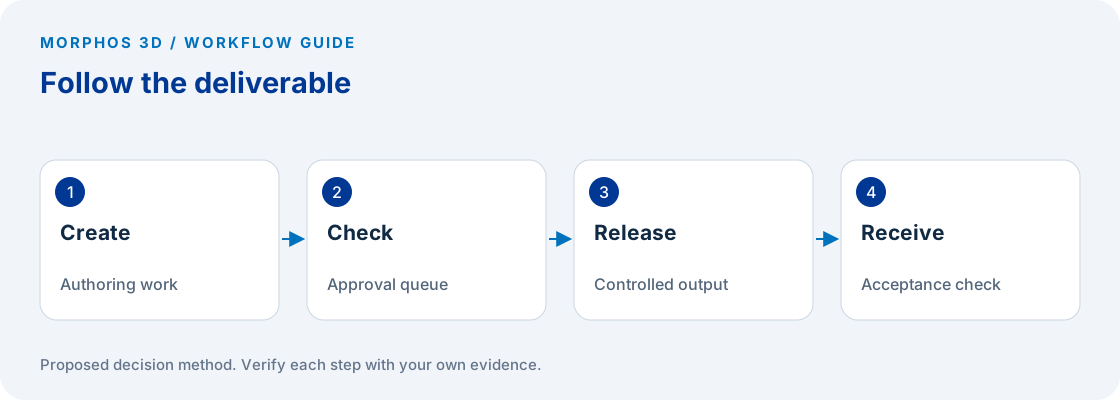
Find Your CAD Workflow Bottleneck
Separate active work, waiting and correction before deciding whether your CAD problem needs a software change, a process change or a targeted technical review.
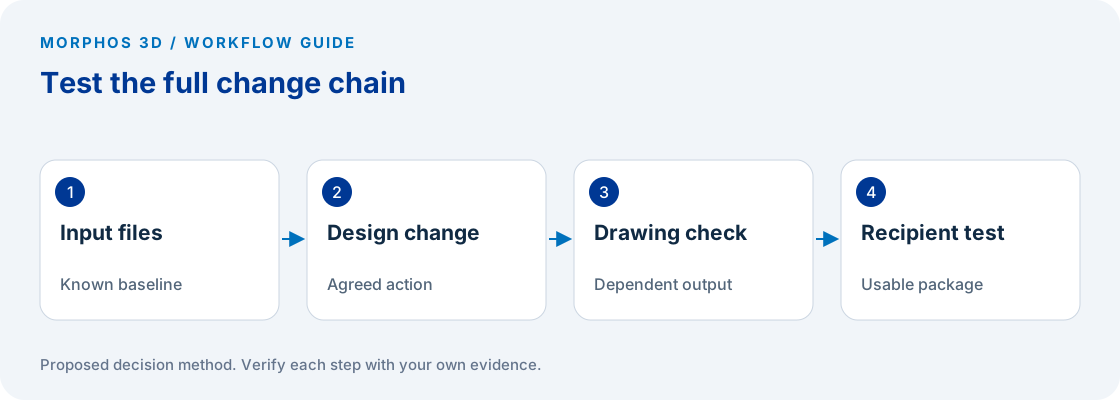
A SOLIDWORKS Demo Test Plan for Your Own Parts
Give a CAD demonstration an acceptance test: your representative data, a controlled design change and a downstream recipient who can verify the result.
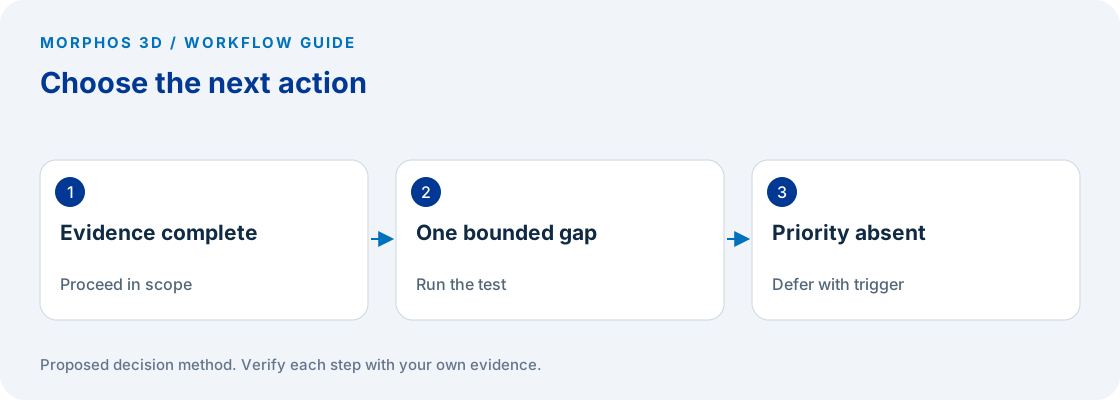
Your CAD Software Decision Checklist
Decide whether to proceed, run one more test or defer your CAD project, with a one-page record of the evidence and the person responsible for the next action.
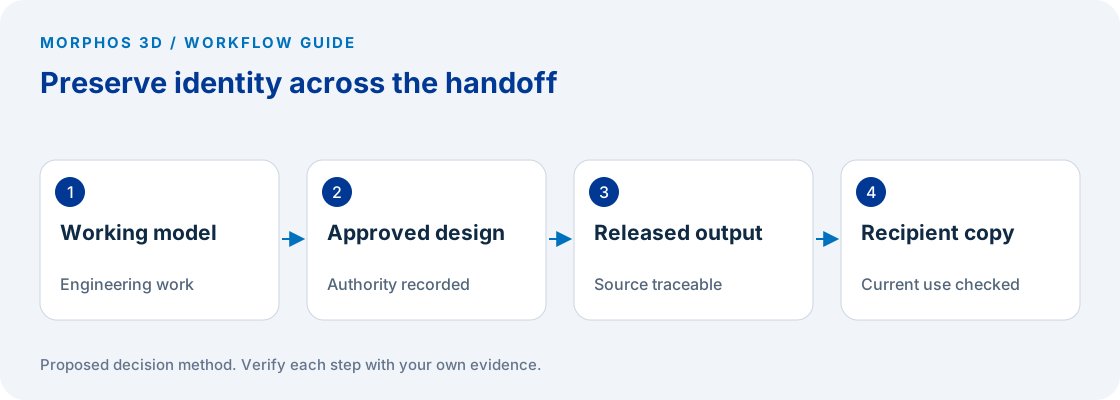
Which Design Revision Reaches Manufacturing?
Trace one released design from engineering to the person making the part, and find where file identity, approval or change notification becomes uncertain.
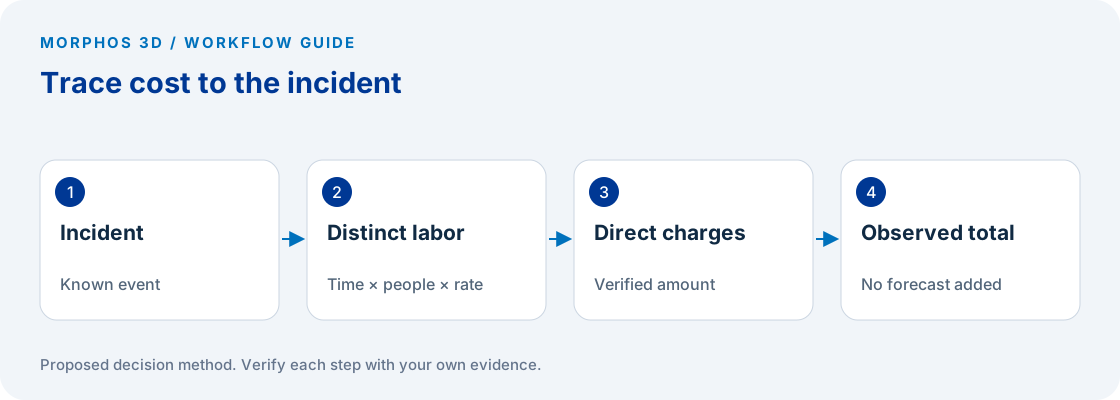
Measure the Cost of Engineering Data Rework
Use an incident log and transparent calculator to quantify observed search, reconstruction and correction effort without turning estimates into promised savings.
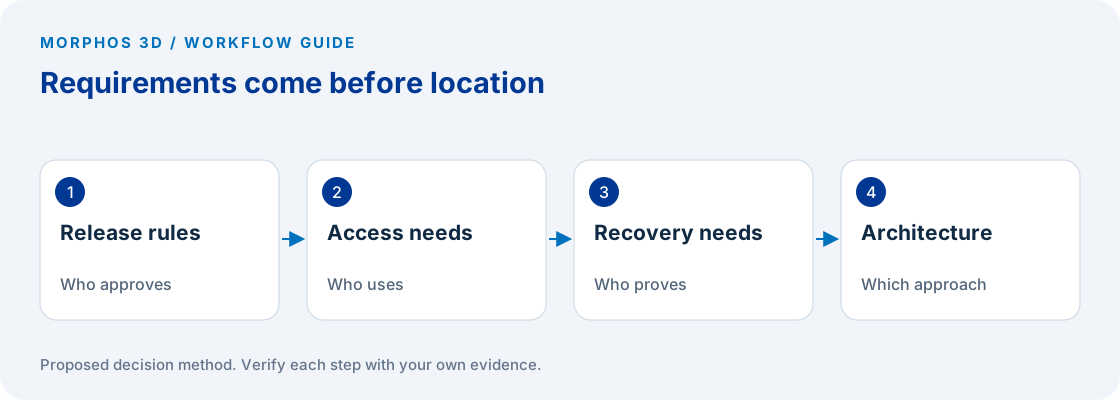
Choose an Engineering Data Management Approach
Compare the controls and operating responsibilities your team needs before turning the decision into a debate about cloud versus on-premise hosting.
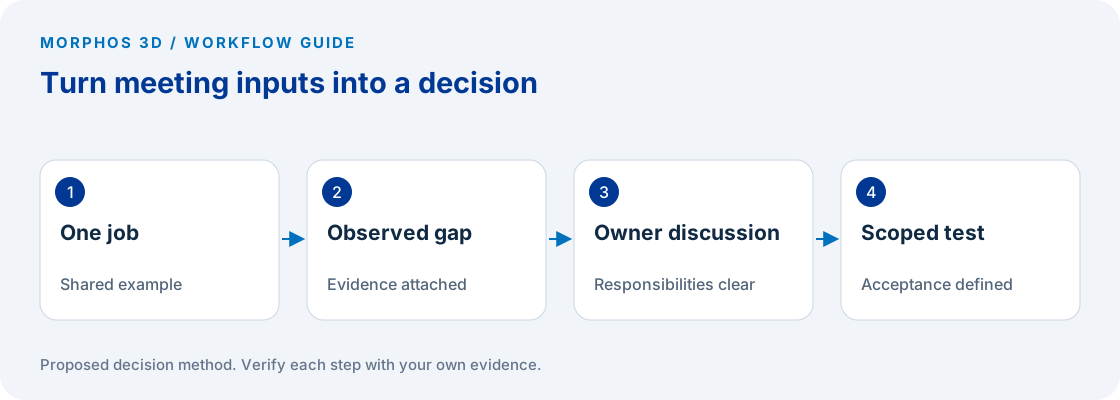
What to Bring to a PDM Discovery Meeting
Prepare a compact evidence packet that lets a PDM discussion start with your actual file flow, responsible roles and unresolved decision.
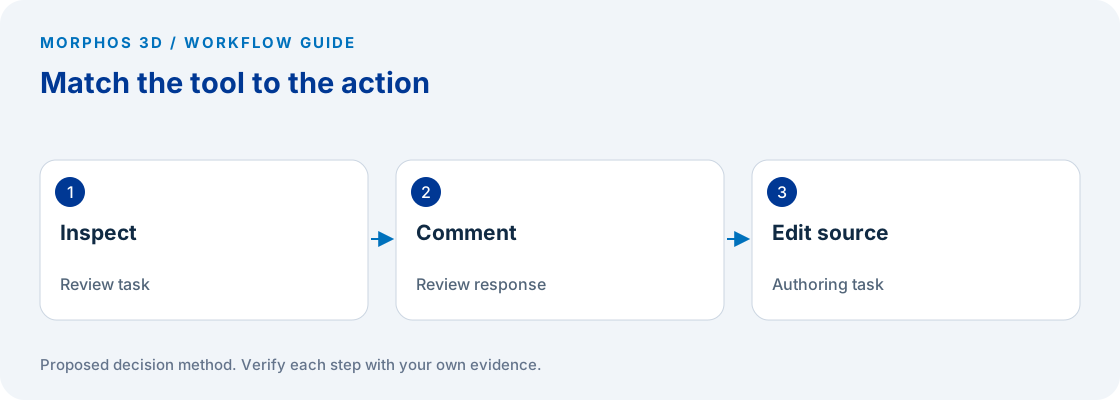
eDrawings or CAD: Match the Tool to the Review
Decide whether the recipient needs to inspect a design, return a comment or change the source model, then test the exact review workflow before distributing files.
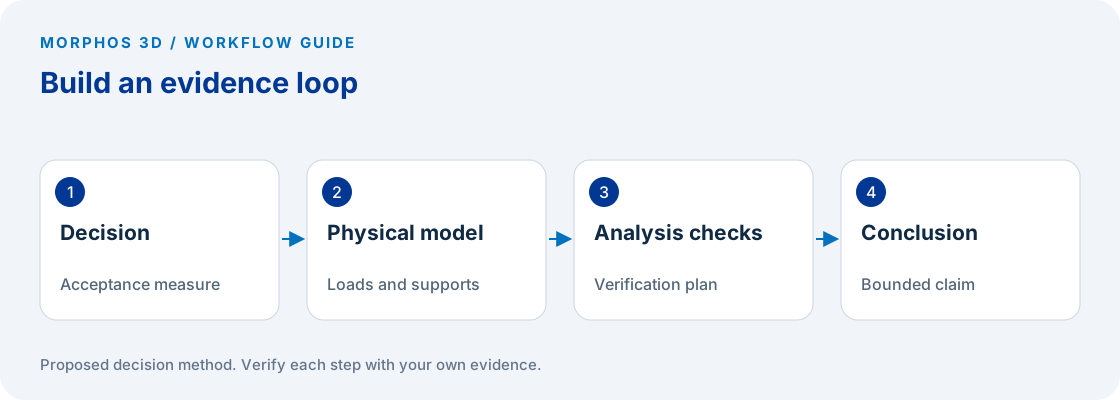
Define Your First Simulation Study Before You Mesh
Define the engineering decision, physical assumptions and acceptance evidence before choosing a study type or interpreting a simulation plot.
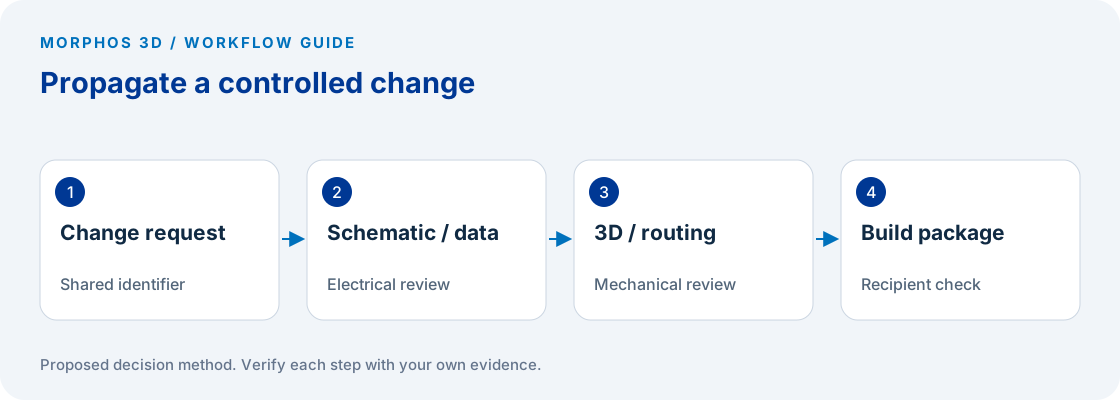
Track an Electrical-to-Mechanical Design Change
Follow a component or routing change across the schematic, mechanical layout and manufacturing information, with explicit owners for each affected record.

MRP vs MRP II vs ERP for Manufacturers
Compare material planning, manufacturing resources, capacity feedback, and enterprise transactions with a practical planning-input register.

What Is MES in Manufacturing?
Trace how production orders and events move between ERP, MES, operators, machines, quality, inventory, and costing.
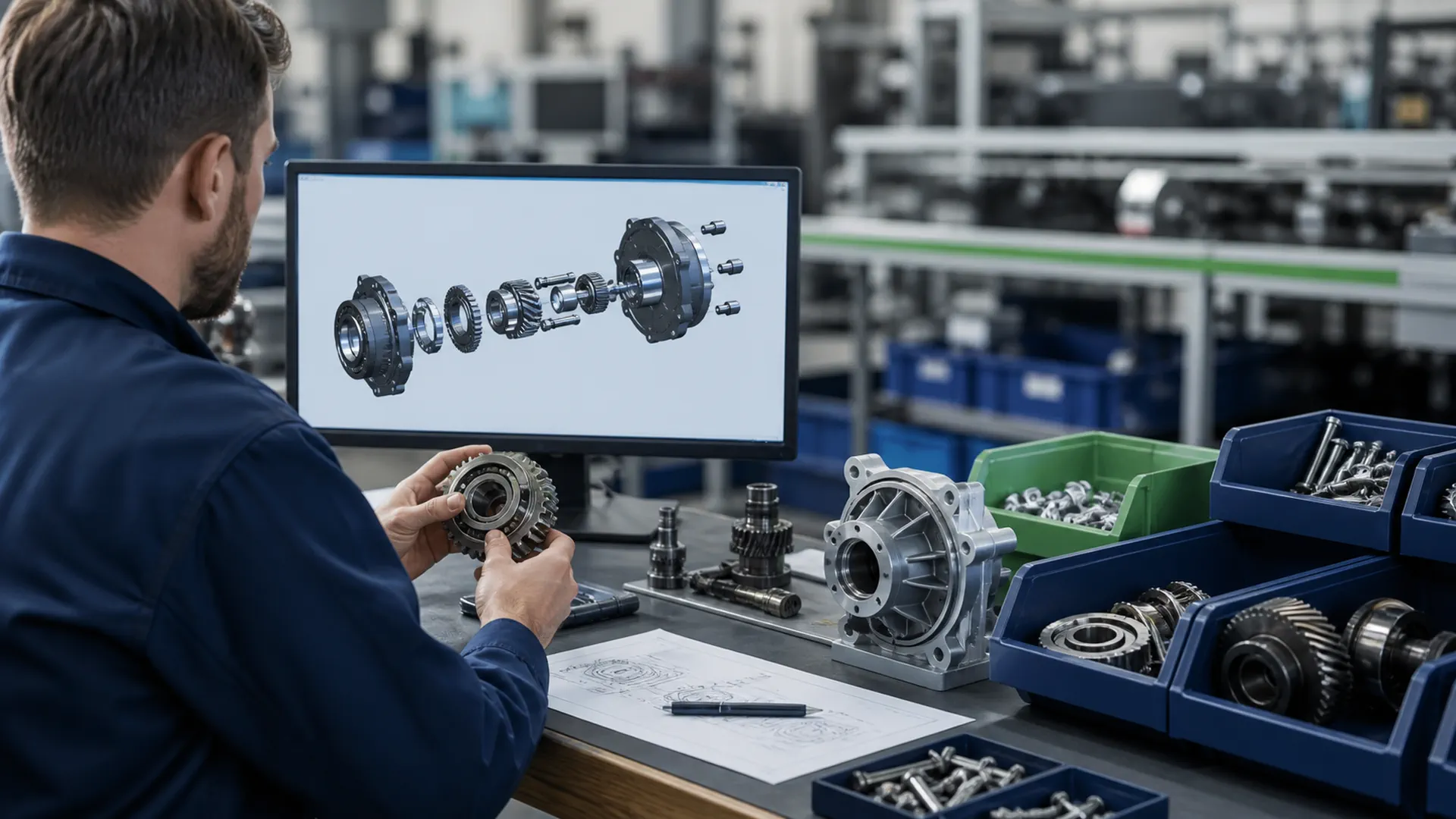
Manufacturing BOM: eBOM vs mBOM
Define the engineering-to-manufacturing release using revision, effectivity, routing, tooling, quality, and downstream evidence.

What Is OEE in Manufacturing?
Understand availability, performance, and quality, then define the time, cycle, count, and reason rules needed for valid comparison.

MES vs MOM vs ERP
Use ISA-95 to assign planning, operations, execution, control, system-of-record, interface, and reconciliation ownership.

QMS Software for Manufacturing
Compare integrated and standalone QMS patterns through inspection, nonconformance, disposition, inventory, production, documents, and cost.
Morphos 3D and PMT at IMTS 2026
Bring the handoff between SOLIDWORKS, CAM, the machine, or DELMIAWorks to booth #135824 for one connected CAD, CAM, and ERP discussion.

Onyx Hose & Tube: Connecting Production to Profitability
How Onyx uses DELMIAWorks to connect quotation, forecast costing, production, run history, and financial reporting in one operating system.

Core Technology Molding: Capacity Data for 300% Growth
How live capacity, work-order, inventory, and OEE data helped leadership make equipment and workload decisions during rapid growth.

Trademark Plastics: Production Answers in About Two Minutes
How real-time monitoring and automated reports helped the team answer customer production-status questions quickly and investigate exceptions.
SOLIDWORKS Startup Eligibility Checklist
Check physical-product ownership, customer status, revenue, funding, business model, and the current company-age discrepancy before applying.
Desktop SOLIDWORKS or 3DEXPERIENCE for Startups?
Compare the two workflow paths by product data, connectivity, collaborators, supplier handoffs, IT constraints, and approved roles.
What Happens After Year 1 of SOLIDWORKS for Startups?
Plan for the published year-two and year-three path by recording the approved package, usage, data dependencies, ownership, and renewal decisions.
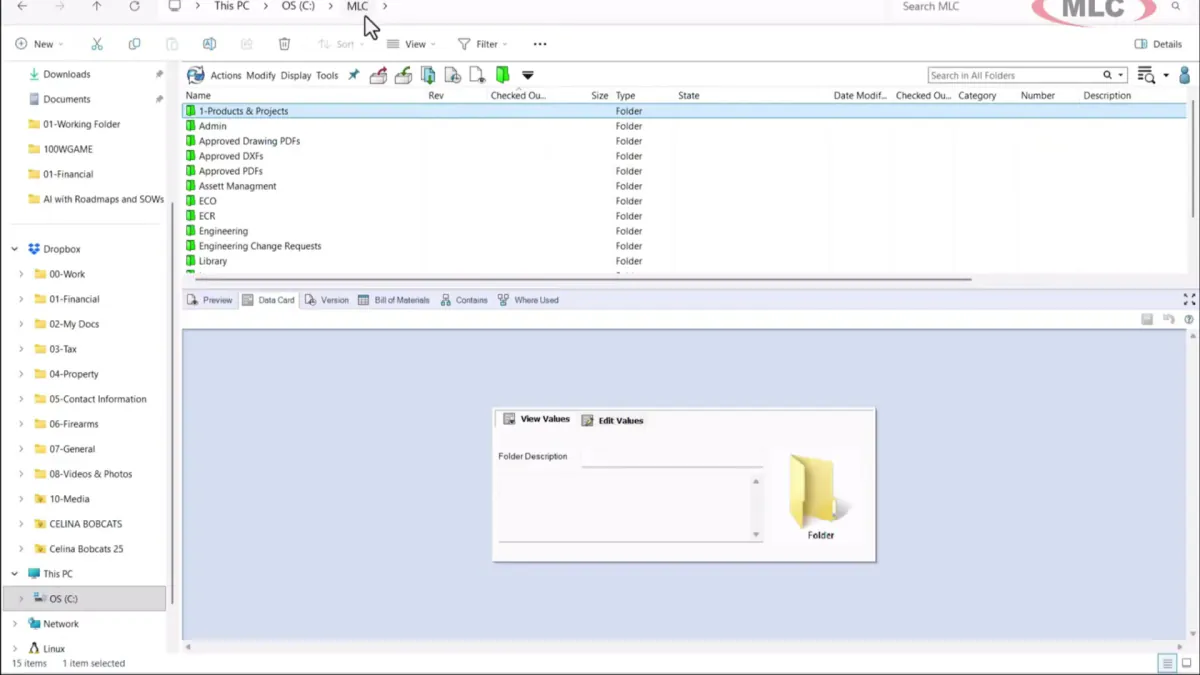
Autodesk Vault vs SOLIDWORKS PDM
Compare Vault Basic, Vault Professional, PDM Standard, and PDM Professional by CAD integration, workflow, BOM, web, multi-site, and administration requirements.
SOLIDWORKS PDM Implementation Checklist for Machine Shops
A practical sequence for vault design, file cleanup, permissions, pilot testing, cutover, and the first weeks after launch.
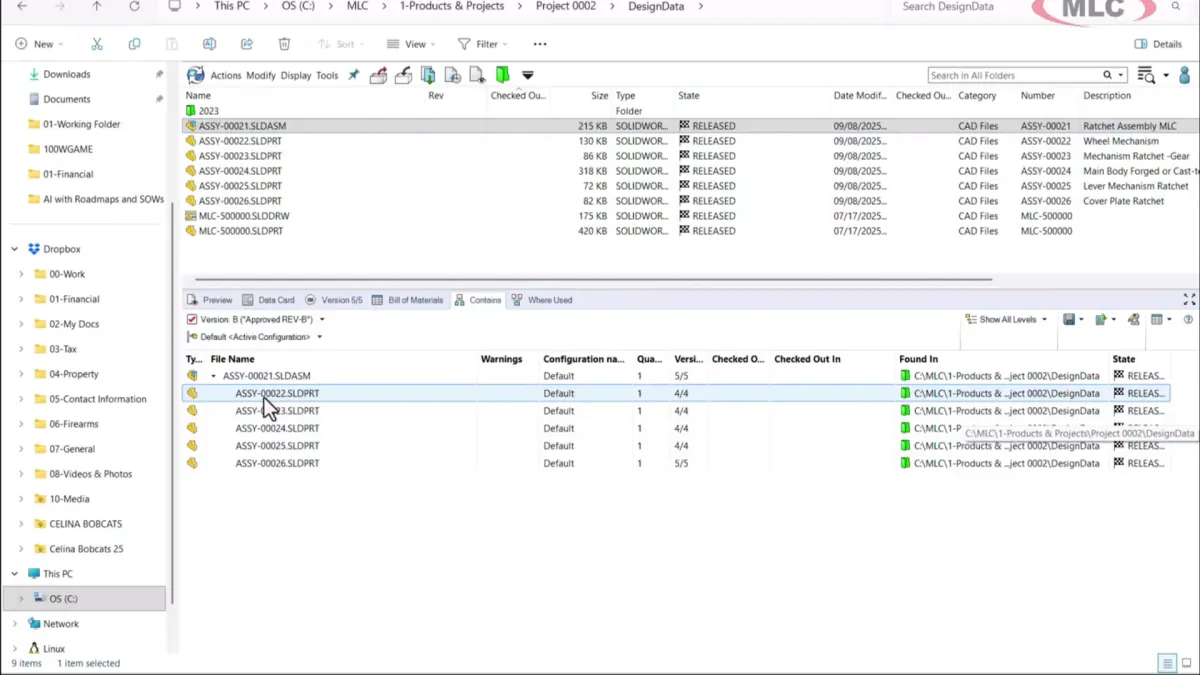
Shared Drive to SOLIDWORKS PDM: Migration and Cutover Guide
How to inventory, clean, pilot, freeze, migrate, validate, and cut over shared-drive CAD data without creating a second uncontrolled library.
SOLIDWORKS PDM Backup, Restore, and Disaster-Recovery Checklist
What a complete PDM backup contains, how to keep its components synchronized, and how to prove recovery on isolated systems.
12 Signs Your SOLIDWORKS PDM Vault Needs a Health Check
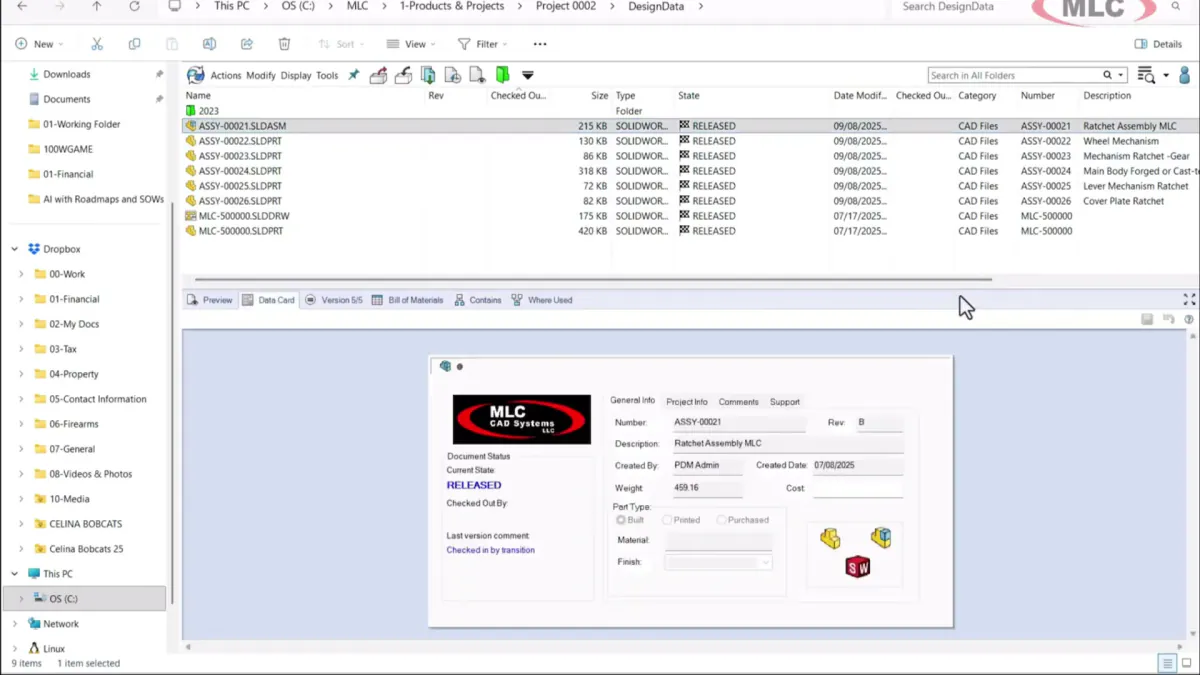
Warning signs in performance, references, workflows, backups, permissions, tasks, and user behavior, with a practical triage path.
SOLIDWORKS CAM vs Milling Professional vs Turning Professional vs CAMWorks
Separate the similarly named CAM offers by deployment, process coverage, machine complexity, simulation, knowledge reuse, and post requirements.
CAMWorks TechDB Backup and Migration in 2026
Protect the shop knowledge inside TechDB, migrate the supported database format, and validate machines, tools, strategies, and posts before release.
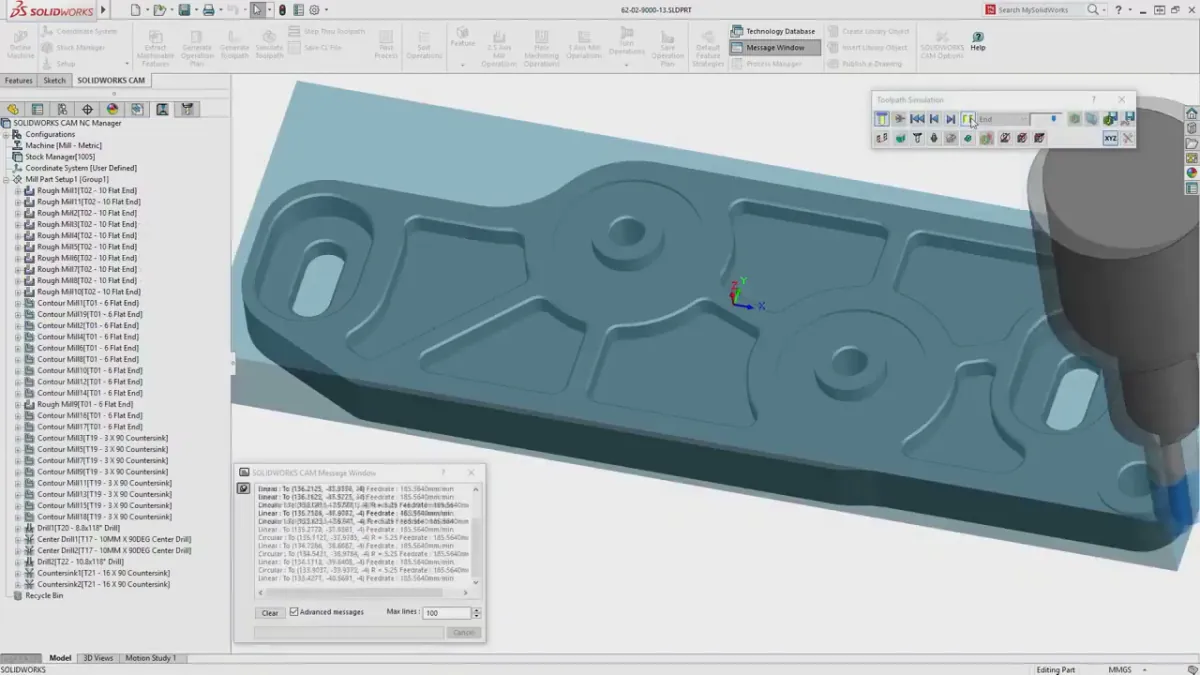
How to Prove Out a SOLIDWORKS CAM Post Processor Before Production
A machine-specific acceptance process for post requirements, code review, simulation, controlled prove-out, first article, and change control.
SOLIDWORKS Inspection: From Ballooned Drawings to AS9102 and PPAP Reports
Build traceable inspection packages from controlled source data, reviewed characteristics, measured results, and customer-approved report templates.
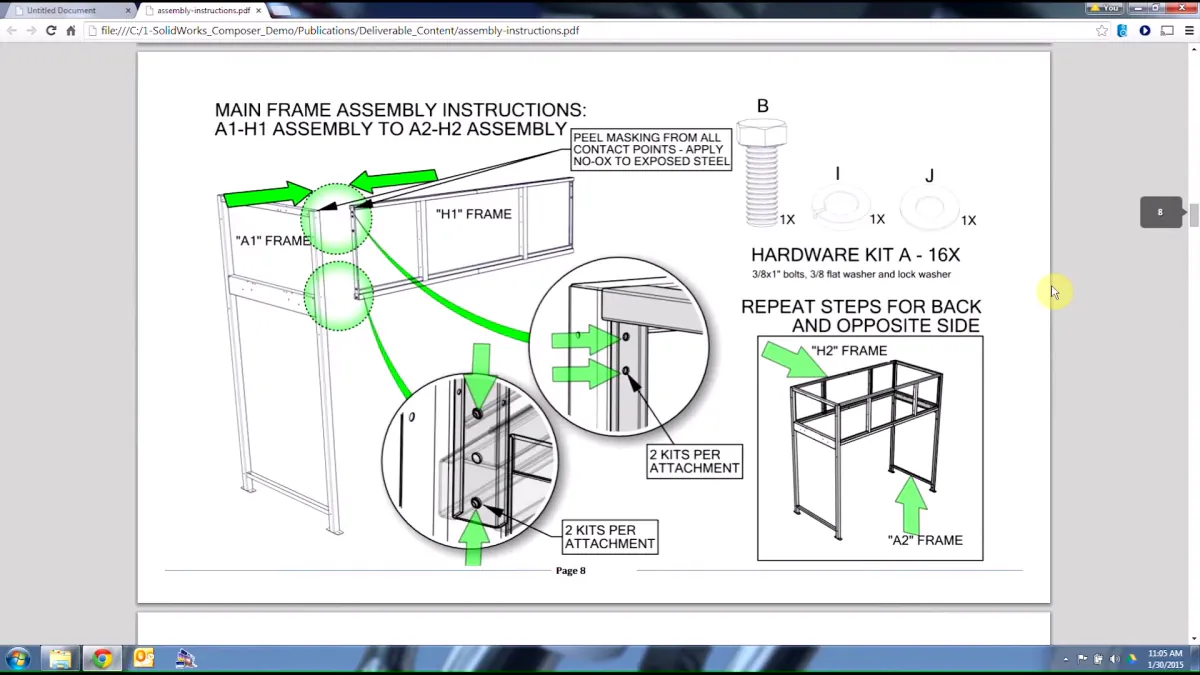
SOLIDWORKS Composer and PDM: Change-Controlled Shop-Floor Work Instructions
Connect released CAD, Composer views, review, publishing, and PDM state so operators see one current instruction package.
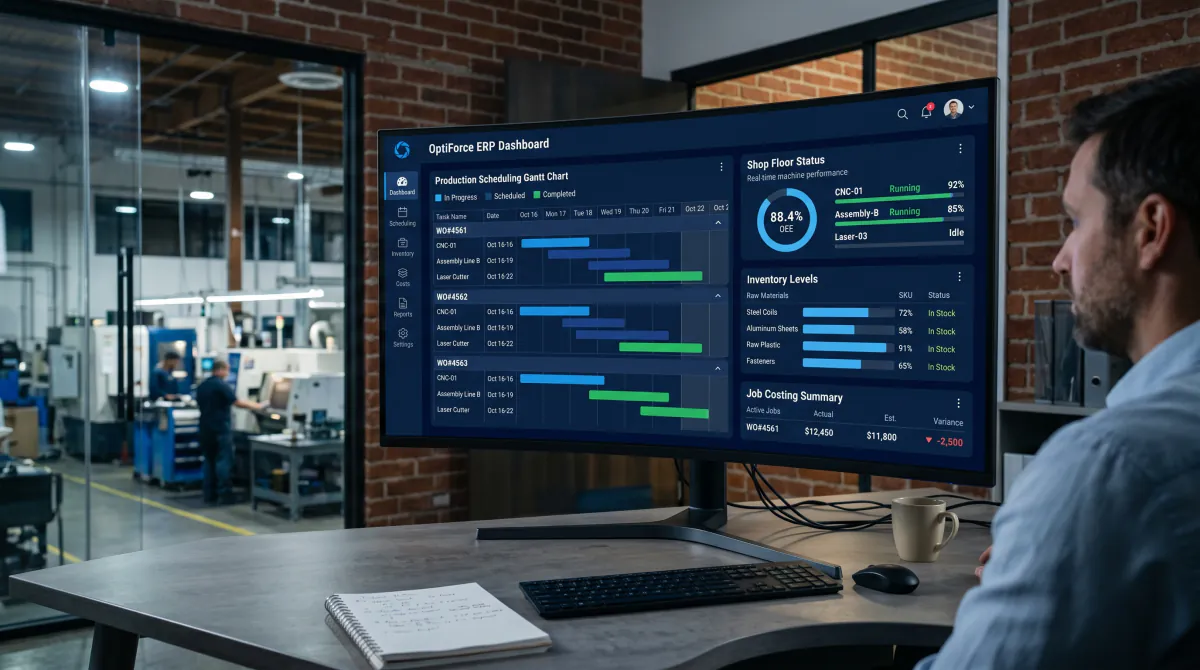
DELMIAWorks Implementation Readiness Checklist for Manufacturers
What manufacturers should decide and prepare before ERP design begins, from executive ownership and master data to floor transactions and go-live evidence.

HSMWorks Price and Subscription Status in 2026
Can you still buy or renew HSMWorks? The current new-seat, existing-subscription, Flex, and retirement status from Autodesk's guidance.

HSMWorks Migration: What Transfers and What Does Not
A source-backed transfer matrix for project data, geometry, tool libraries, posts, templates, setup sheets, and proven NC code.

CAM Migration Validation: The Representative-Part Test
Seven gates for testing geometry, tools, operations, posts, simulation, setup and first article, then revision handling and adoption.

SOLIDWORKS PDM Multi-Site Architecture and Cost
Archive replication, database replication, latency, server roles, and the real budget drivers for a multi-office PDM deployment.
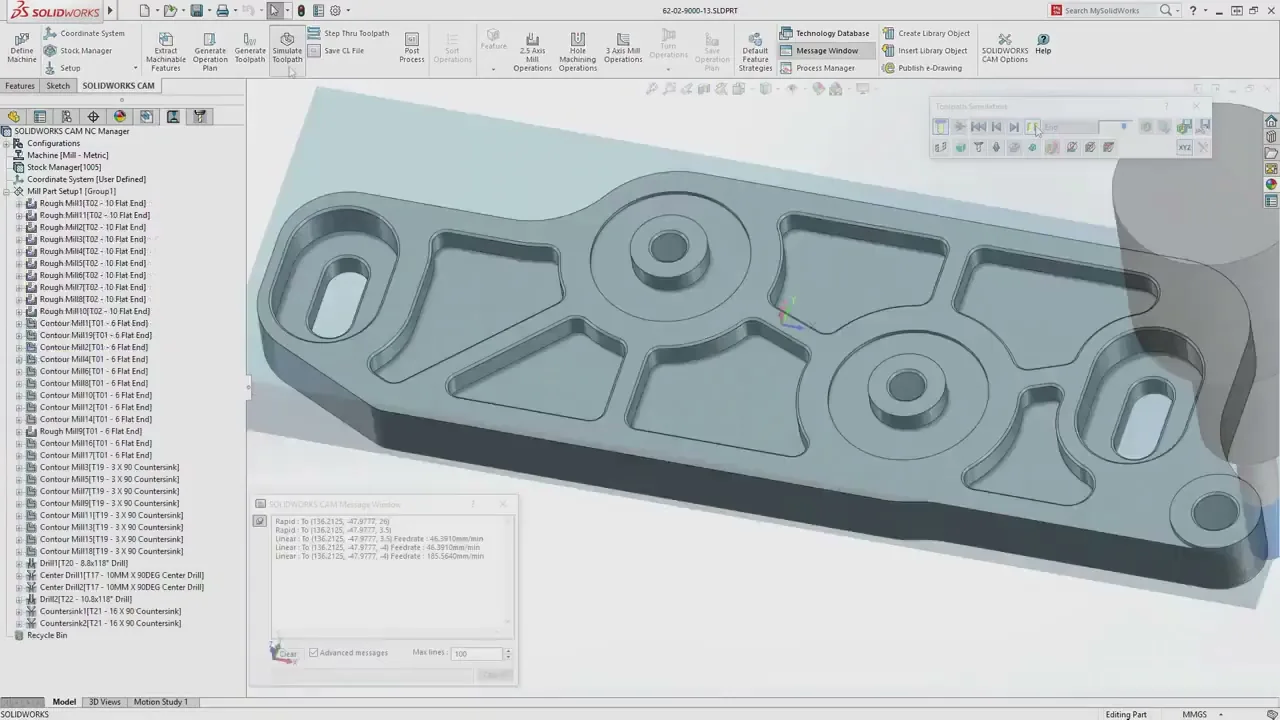
The CAM That Isn't a Black Box
Machinists distrust CAM that hides its work. Program instructions in the operation tree, feature recognition that asks instead of guesses, and full machine simulation at every tier.

It's Official: HSMWorks Is Dead on March 25, 2028
Autodesk retires HSMWorks on March 25, 2028, in their own words. What happens to your seats and CAM data, and what your shop should do now.
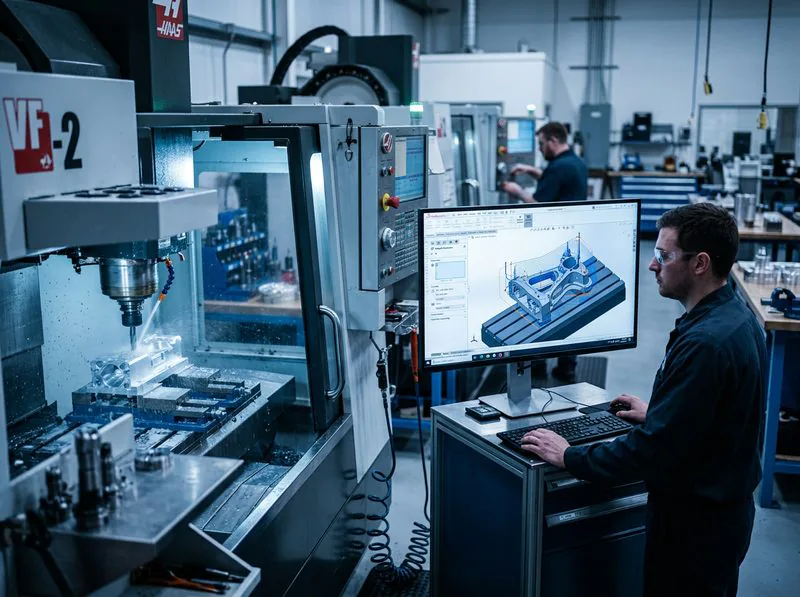
HSMWorks Is Ending: CAM Alternatives for SOLIDWORKS
HSMWorks retires March 25, 2028. The honest alternatives, why you re-program no matter where you go, and where a SOLIDWORKS shop should land.
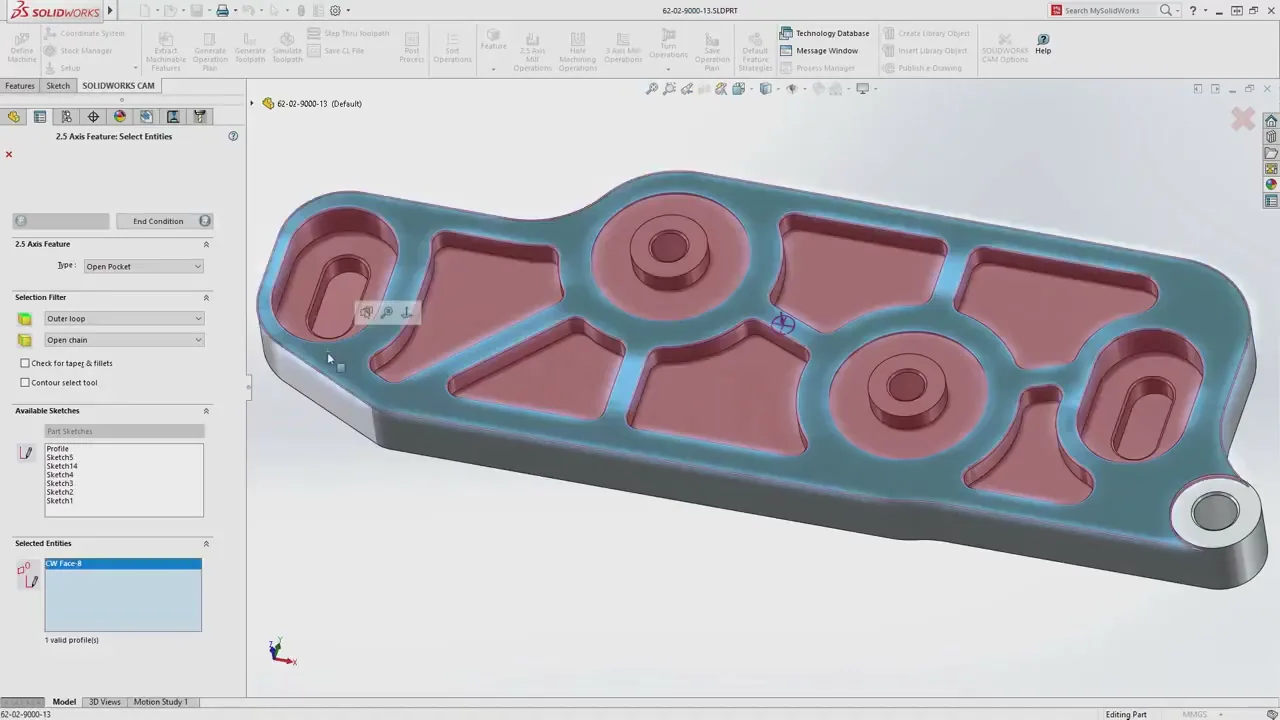
HSMWorks vs CAMWorks: Operation-First or Feature-First?
Eight years of machinists arguing about HSMWorks vs CAMWorks, boiled down to the one distinction that actually matters and the detail the forums get wrong.
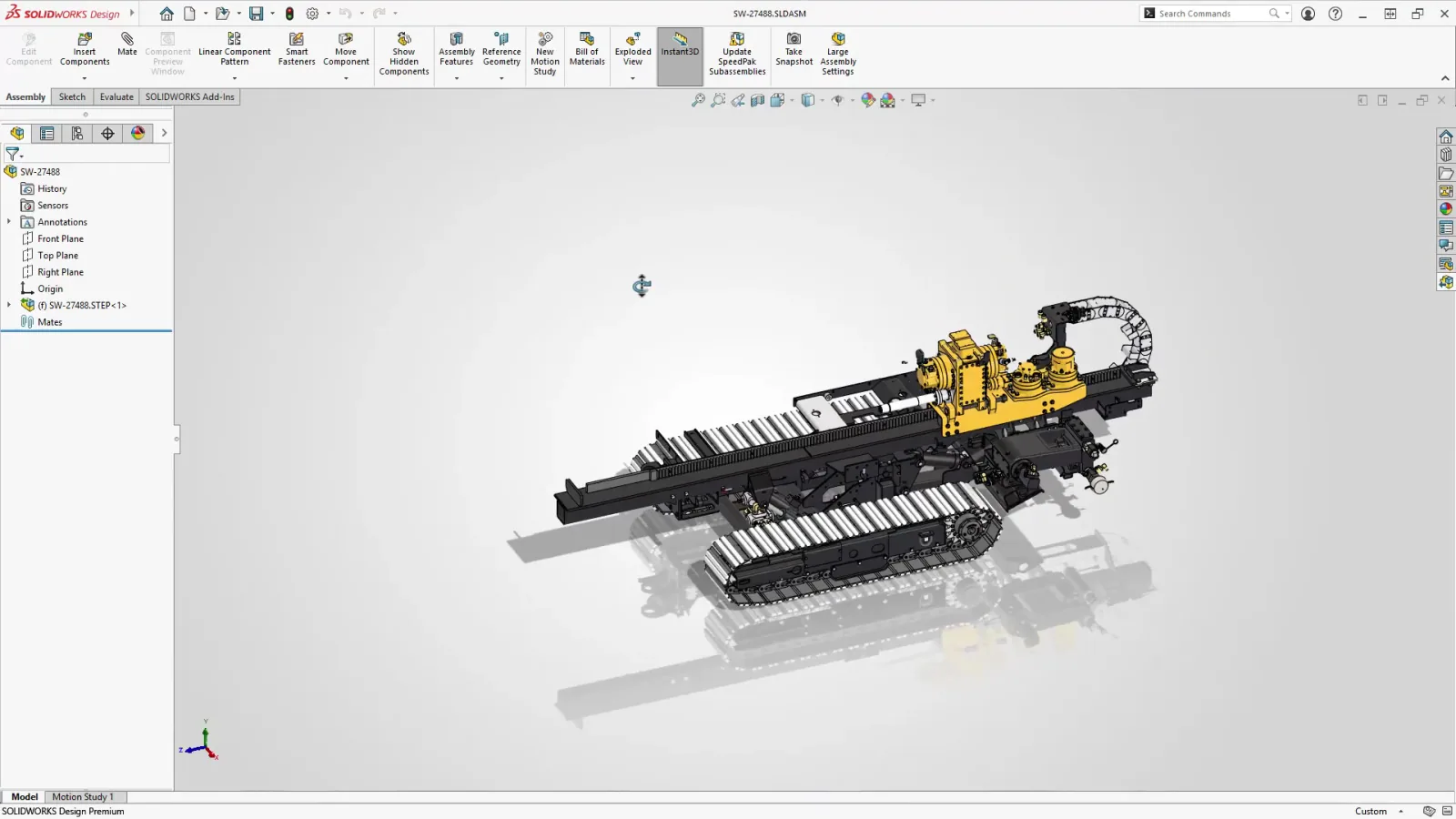
HSMWorks Is Ending: Is Fusion the Only Option?
Autodesk points HSMWorks users to Fusion, but for a SOLIDWORKS shop it is not the only option, or the best one. The alternatives Autodesk will not mention.
How to Migrate From HSMWorks to SOLIDWORKS CAM
A practical, step-by-step plan for making the switch: run in parallel, rebuild posts and tooling, and re-program in phases before the 2028 deadline.
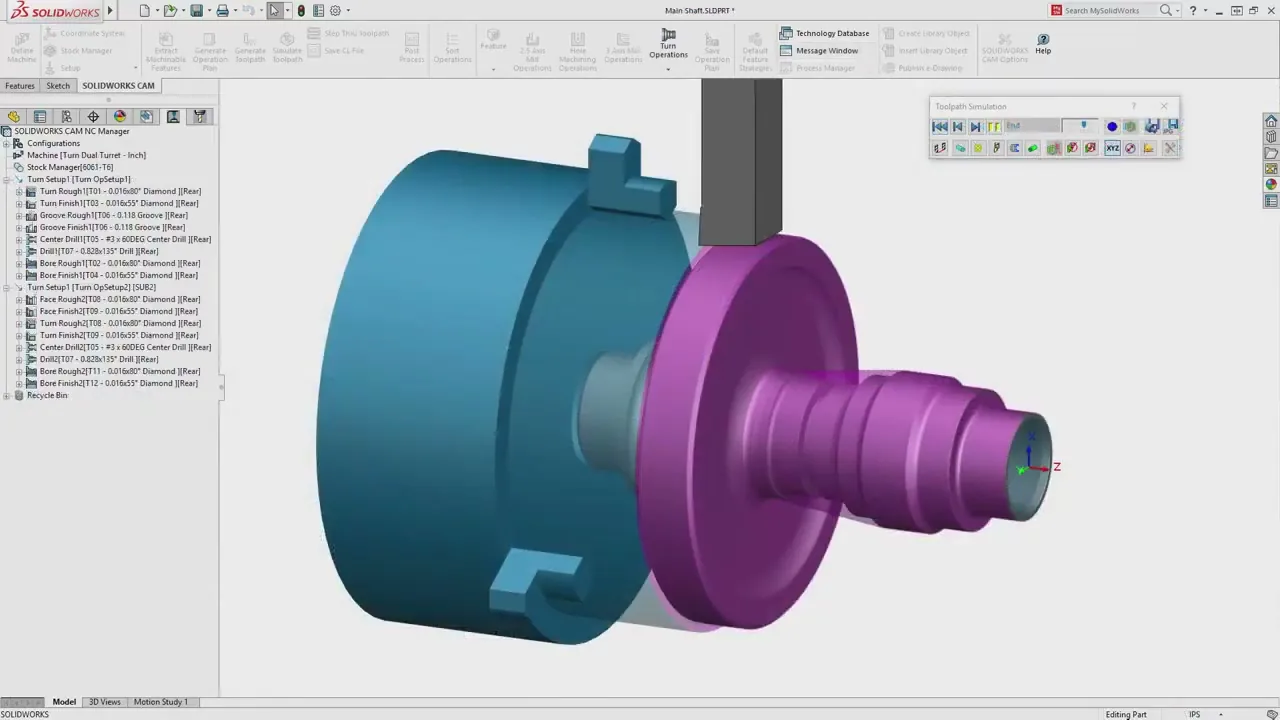
What's New in SOLIDWORKS CAM 2026 and CAMWorks
Bar Break Moves, collet workholding, and CAMWorks' new Swiss machining environment with Segmentation Manager and Virtual Machine simulation.
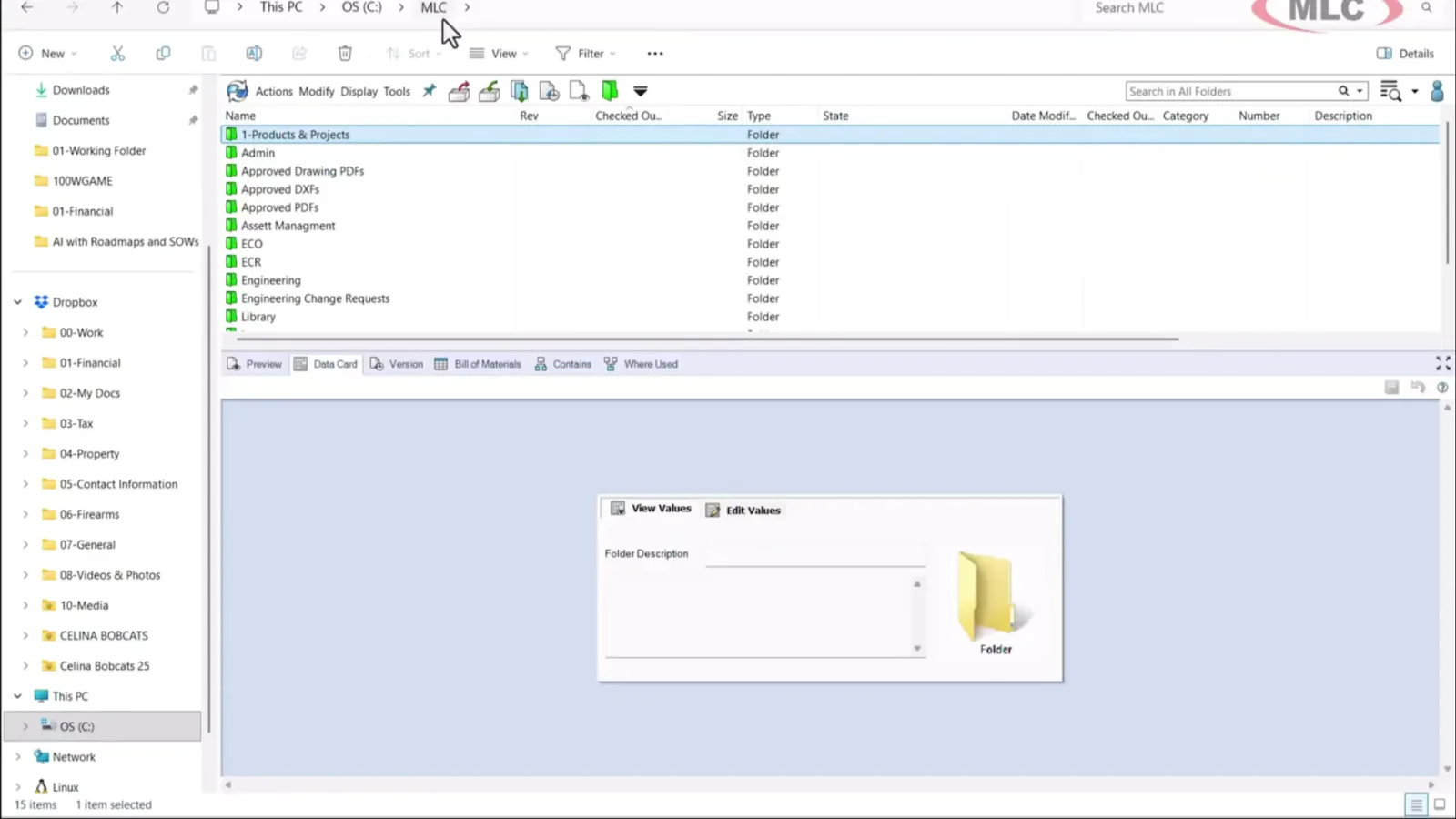
Cloud vs On-Premise SOLIDWORKS PDM
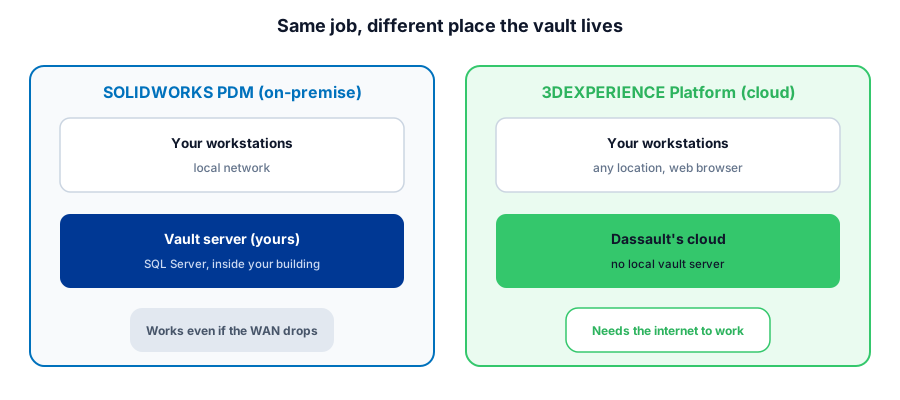
What SOLIDWORKS PDM and 3DEXPERIENCE cloud PDM each actually require, the real total cost, and the questions that decide it for a shop.

SOLIDWORKS 2026 Upgrade Guide: Windows 11
SOLIDWORKS 2026 requires Windows 11 and a new 32GB RAM floor. What CPU, RAM, GPU, and storage actually matter for a shop, and where not to overspend.
CAMWorks vs SOLIDWORKS CAM: A VAR's Recommendation
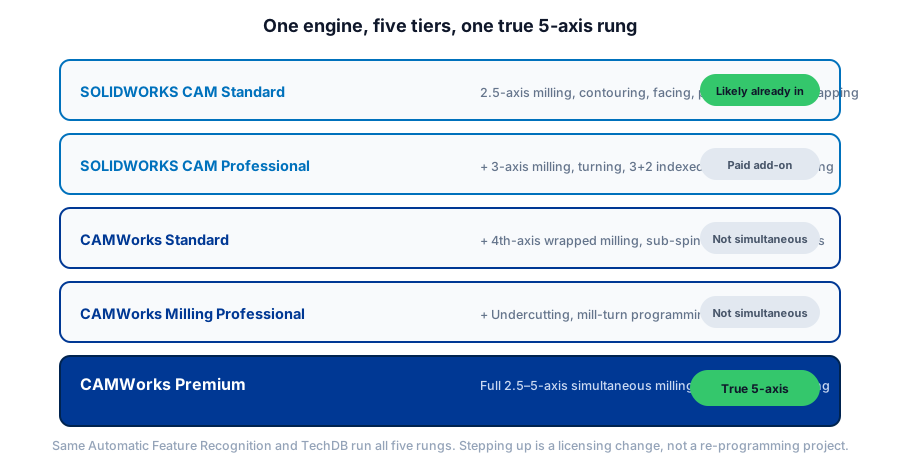
What SOLIDWORKS CAM Standard already covers, which CAMWorks tier actually does simultaneous 5-axis, and how a VAR that runs CNC recommends between them.

SOLIDWORKS Licensing: Standalone vs Network
How Standalone and Network (SNL) licenses actually work, what License Borrowing is for, and the honest math on which one your shop needs.
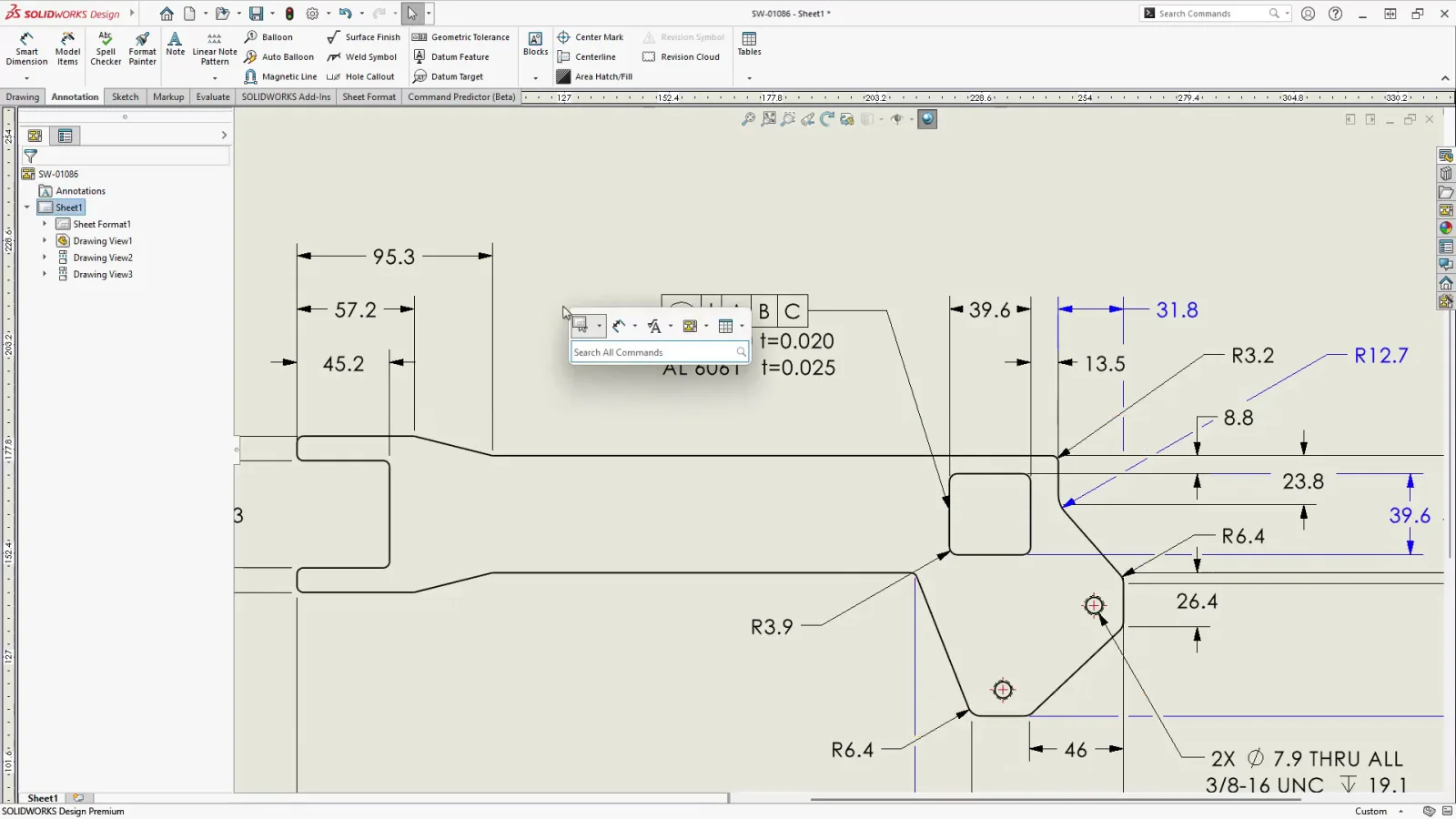
SOLIDWORKS AI Agents: What Aura, Leo, and Marie Do
Aura and Leo now run inside SOLIDWORKS 2026 in a Labs beta. What each agent does, what it will not touch, and the data question every shop should ask.
SOLIDWORKS CAM vs CAMWorks vs Mastercam
The family relationship explained first, then a fair comparison on integration, feature recognition, toolpaths, and posts, so you can match CAM to your shop.
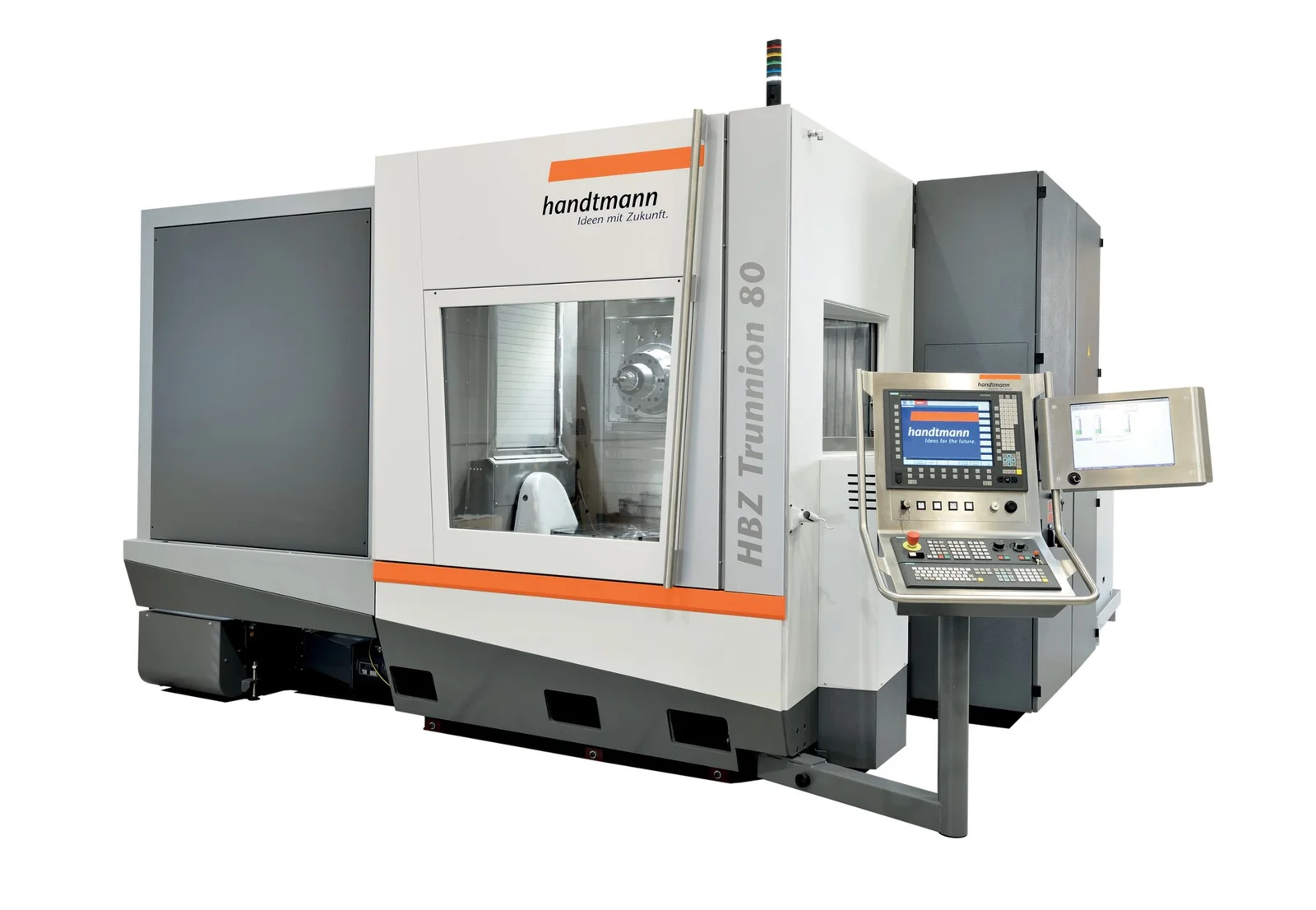
SOLIDWORKS CAM 5-Axis vs 3+2 Machining
3+2 positional versus simultaneous 5-axis: fewer setups, shorter tools, better finish, where each one lives in the software, and when each pays off.
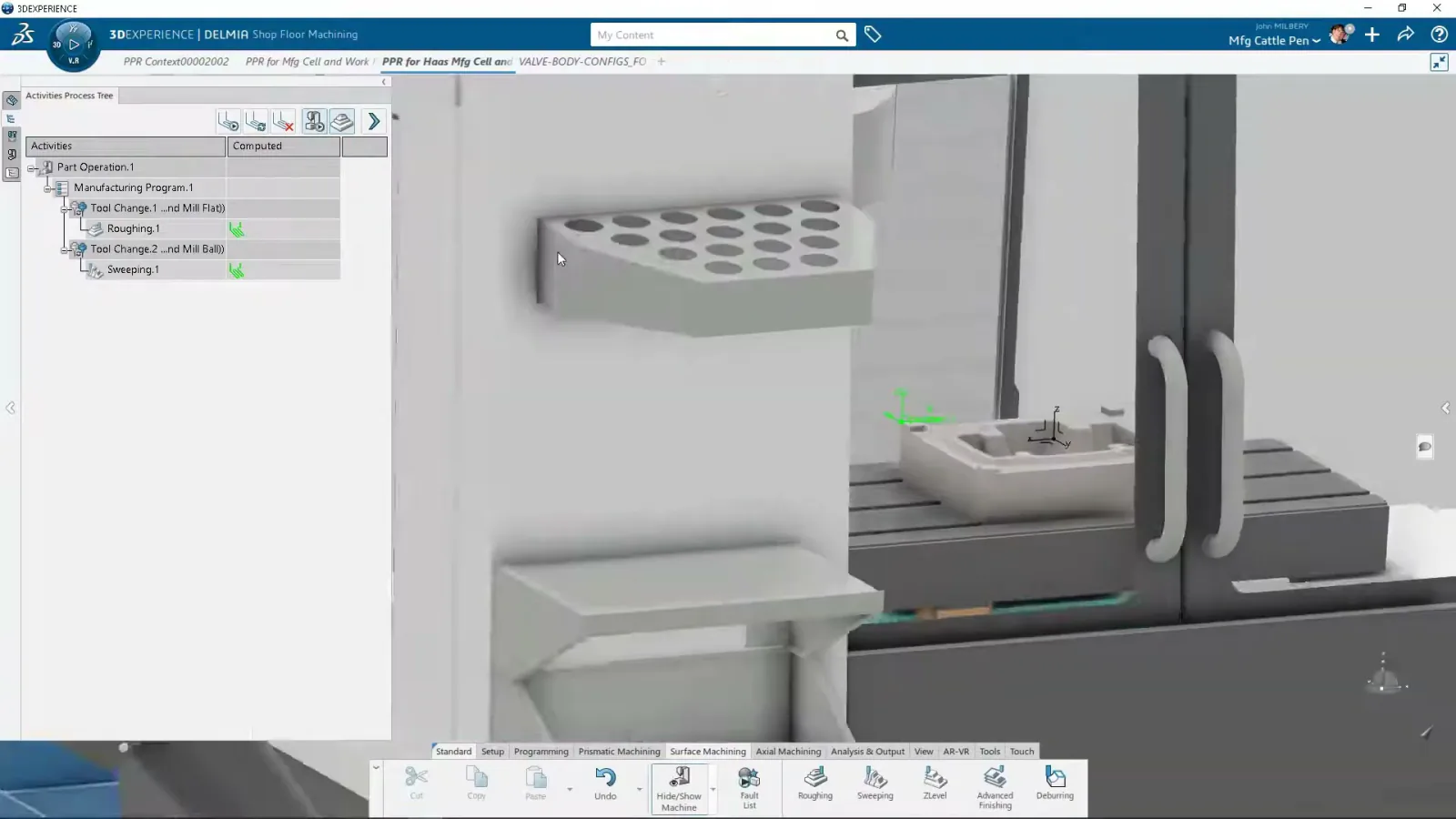
SOLIDWORKS CAM TechDB: Knowledge-Based Machining
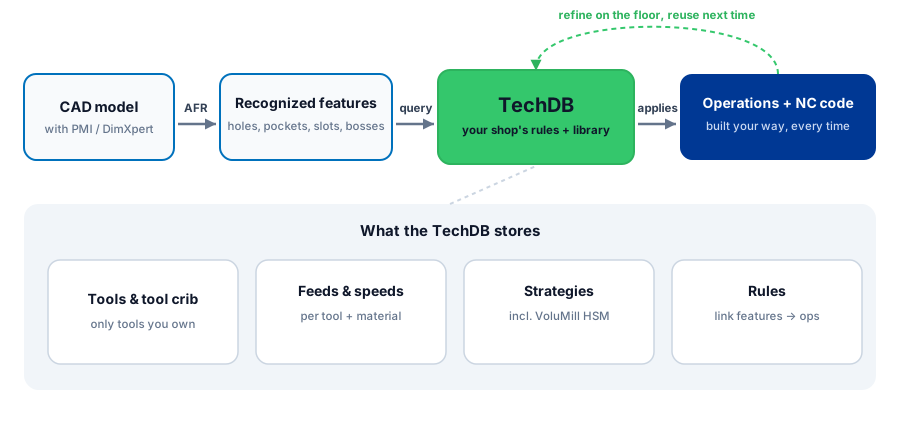
How the Technology Database captures your shop's tools, feeds, and strategies so SOLIDWORKS CAM programs repeat features automatically, and how to build your own.
What's New in SOLIDWORKS 2026: A Machine Shop's Guide
The 2026 features that actually matter if you make parts, the one change to plan around, and an honest upgrade verdict.
SOLIDWORKS AI in 2026: What It Does on the Shop Floor
Generative drawings, AI fasteners, and the Aura, Leo, and Marie companions, with an honest read on what AI will not do for a machinist.
SOLIDWORKS CAM Post Processors, Explained
What a post-processor does, why a generic post is risky on a real machine, and how to prove one out before it touches your spindle.
SOLIDWORKS for Machine Shops: The CAD-to-CNC Workflow
The overview: how SOLIDWORKS works for a shop from design to CAM to the machine to ERP, and what to look for when you buy it.
SOLIDWORKS vs Fusion vs Inventor for Manufacturing
Three capable CAD systems, three very different fits for a machine shop. How they compare on CAM, large assemblies, and data management.
Moving from Fusion to SOLIDWORKS: What You Keep and What You Lose
Feature history, files, and PDM. What survives the move from Fusion, what does not, and how to plan the switch without losing work.
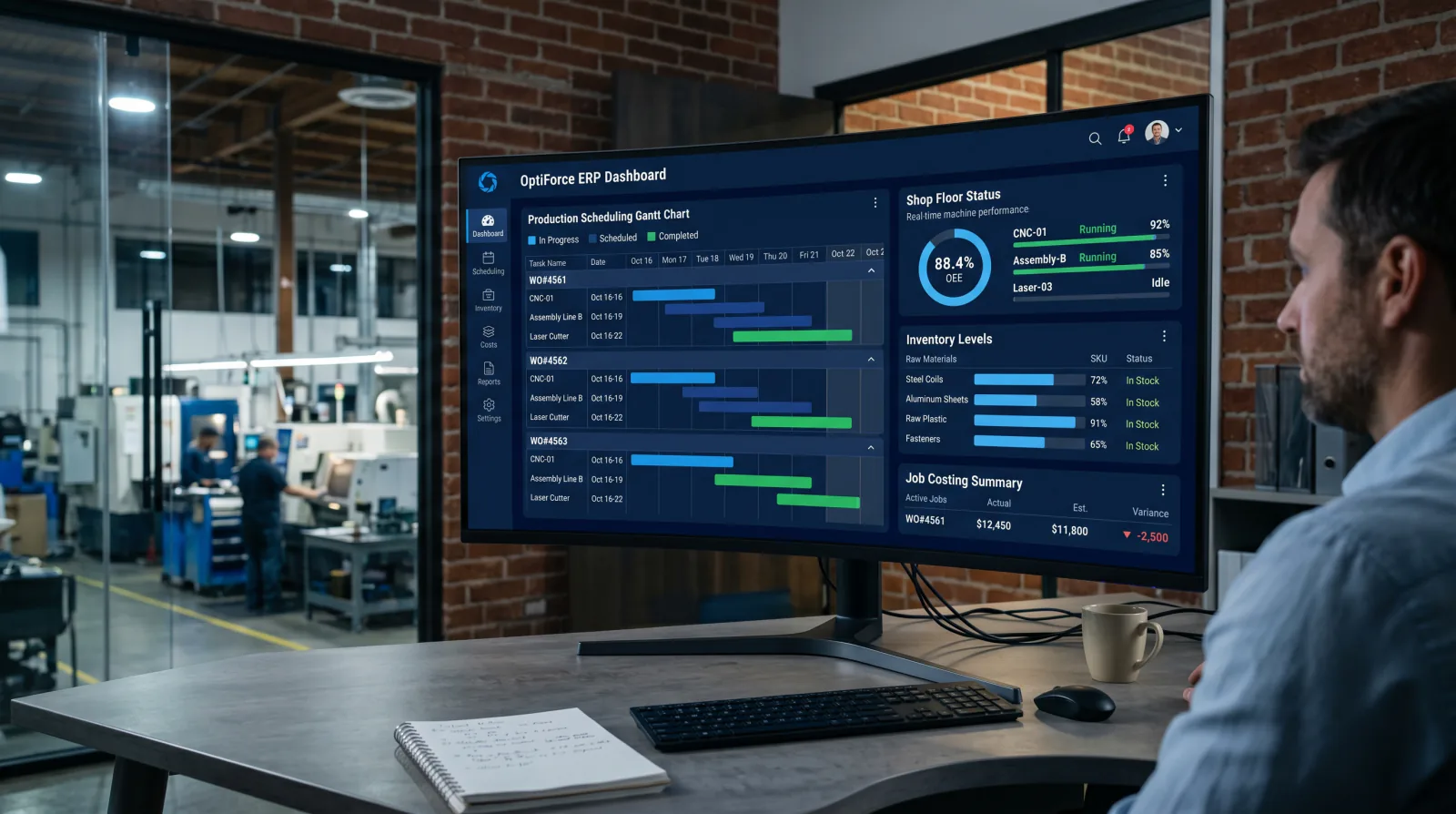
DELMIAWorks ERP for Machine Shops
The single-database ERP and MES built for manufacturing. How its scheduling, shop-floor monitoring, and quality modules fit a machine shop.
How Much Does SOLIDWORKS Cost? Pricing and Licensing
Perpetual vs subscription, Standard vs Professional vs Premium, and what actually drives a SOLIDWORKS quote. No price-list games.
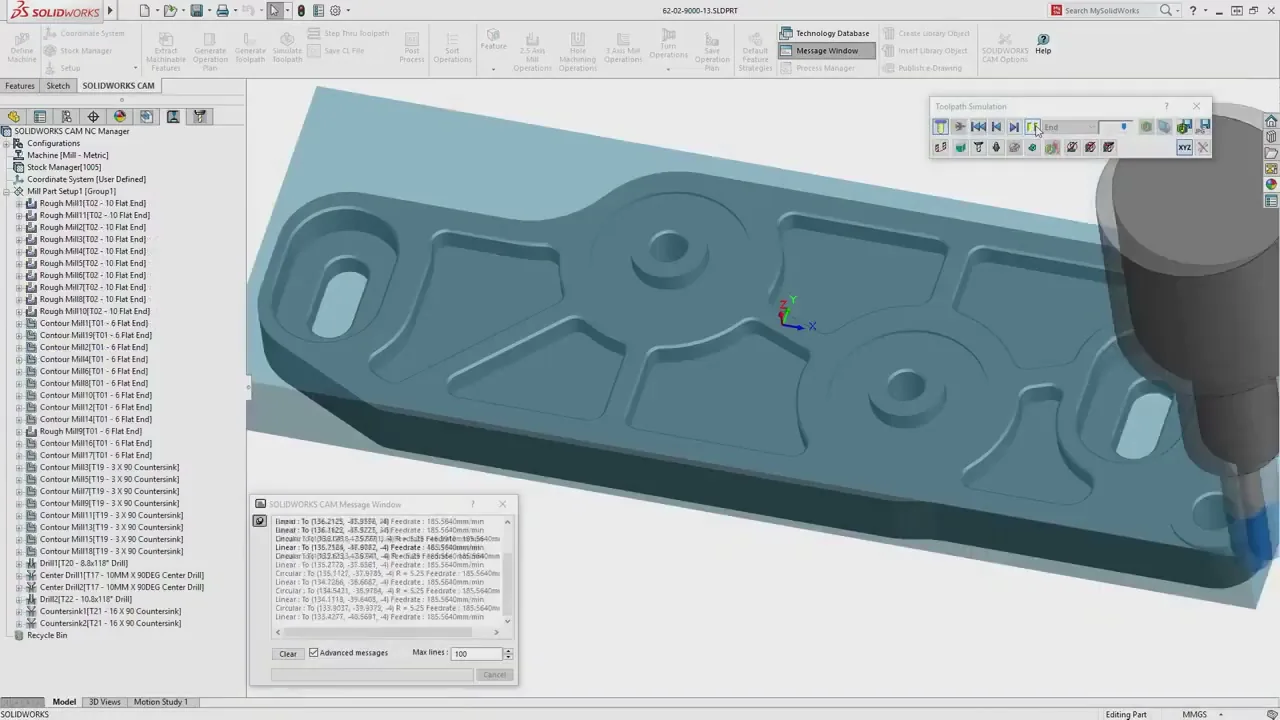
SOLIDWORKS CAM: Standard vs Professional
What is free with your subscription, what Professional adds (turning, VoluMill, 3+2), and which edition your shop needs.