
Maybe a cloud project went sideways and took a day of work with it. Maybe you have outgrown cloud-only storage, you need a real release process, or a customer now requires data you control on your own server. Whatever pushed you, a Fusion to SOLIDWORKS migration is rarely a clean one-click export. Some things come across fine. Some things you rebuild. This is a straight look at what you keep, what you lose, and how to plan the switch so it does not cost you a job.
What actually transfers when moving from Fusion to SOLIDWORKS?
A Fusion to SOLIDWORKS migration means moving your designs, and ideally your data structure, from Autodesk Fusion into SOLIDWORKS. Because SOLIDWORKS cannot open Fusion's native .f3d file, the geometry moves through a neutral format such as STEP or Parasolid. That transfers the solid bodies and the assembly structure, but not Fusion's parametric timeline, sketches, or constraints.
Why shops move from Fusion to SOLIDWORKS
People rarely switch CAD on a whim. The reasons we hear most:
- You hit the limits of the free tier. Fusion's personal-use plan caps how many active documents you can keep open for editing and limits which file types you can export. Once a hobby project turns into real work, those limits start to bite.
- You want your data on your own terms. Fusion stores files in the cloud by default. Shops that need files on their own server, or that handle ITAR or other controlled data, want local files and a vault they control.
- The work outgrew the tool. Larger assemblies, heavy sheet metal, and full drawing packages are where Fusion strains and SOLIDWORKS is built to run.
- A client or vendor requires it. If the people you trade files with work in SOLIDWORKS, sending and receiving compatible files and drawings is simpler when you do too.
None of that makes Fusion a bad tool. It means the job changed, and the tool needs to change with it.
Why .f3d does not just open in SOLIDWORKS
SOLIDWORKS has a feature called 3D Interconnect that opens other vendors' native files and even keeps them associatively linked, so updates flow through. It supports Autodesk Inventor, PTC Creo, Siemens NX, Solid Edge, and CATIA, plus neutral formats like STEP, IGES, ACIS, and JT. Fusion's .f3d is not on that list. So unlike an Inventor user, a Fusion user cannot point SOLIDWORKS straight at the native file. You export a neutral format out of Fusion first, and that is where the trade-off begins.
What you keep, and what you lose
Here is the honest split. A neutral file carries the geometry, not the recipe that built it.
What you keep
- The final solid and surface geometry, at full accuracy
- Assembly structure: components and how they are arranged
- Overall dimensions and shape, ready to measure and machine
- Depending on format and options, some colors and basic metadata
What you lose
- The Fusion timeline: the parametric feature history
- Sketches, dimensions, and constraints that drove the model
- Joints and motion relationships between components
- Cloud version history, comments, and Fusion-specific data
In plain terms, the part opens in SOLIDWORKS as a dumb solid: correct shape, no editable history. That is not the disaster it sounds like, as long as you plan for it.
Your options, ranked
- Import the geometry as solids (fastest). Export STEP or Parasolid from Fusion, open in SOLIDWORKS. Best for parts that are done and will not change much, and for anything you only need to fixture, inspect, or machine.
- Re-recognize or directly edit. SOLIDWORKS can modify imported solids without a full rebuild using direct editing tools like Move Face and Delete Face, and FeatureWorks can recognize features on an imported body and turn them back into editable features. Good for parts that need a few changes.
- Rebuild natively (most control). For the handful of parts you actively iterate, rebuilding them in SOLIDWORKS Design gives you a clean, fully parametric model. Slower per part, but worth it where you will be making changes for years.
Most shops use a hybrid: bring everything across as solids so nothing is lost, then rebuild only the few parts that earn it. You do not need to re-engineer your entire library to switch.
Moving a full assembly works the same way. Export it from Fusion as a single STEP assembly and SOLIDWORKS keeps the component structure, just not the joints, which arrive as static parts. For a large product, that saves rebuilding the whole tree by hand.
Have a Fusion library you are nervous about moving? We will scope what comes across clean and what needs a rebuild.
Get a QuoteDo not forget the data layer
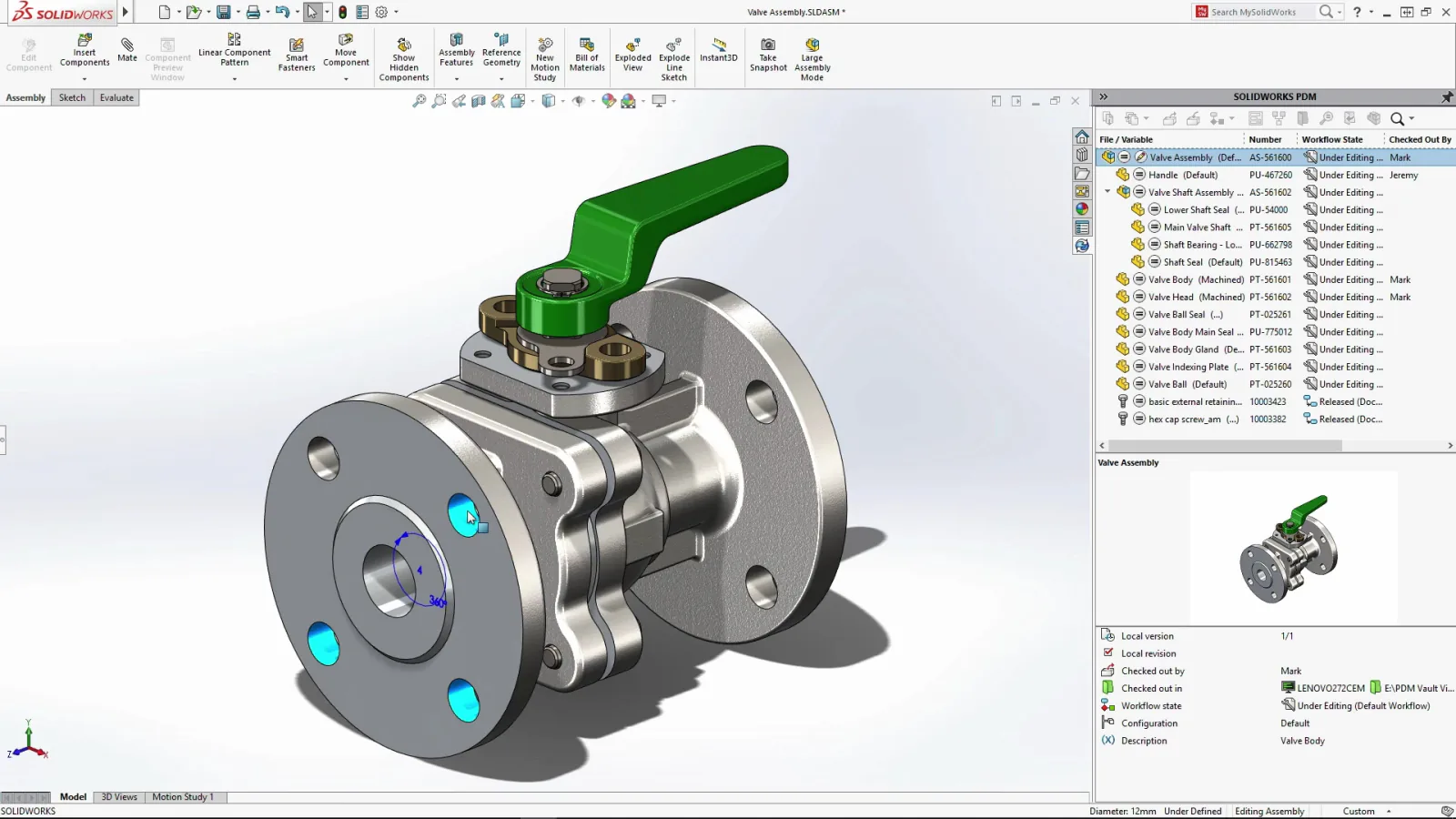
The part files are only half the job. Fusion keeps your files and their version history in the cloud. SOLIDWORKS keeps files locally, which is what most shops want, but it means you own the question of revision control. For where-used, check-in and check-out, and a clean release process, you add SOLIDWORKS PDM. The best time to set up your vault and folder structure is during the migration, while you are touching every file anyway, not six months later when they are scattered across three network drives.
A migration that does not lose a job
The projects that go wrong are the ones with no plan. The ones that go smoothly follow the same short checklist:
- Sort the library into active parts you still edit and archive parts you only reference.
- Decide rebuild versus import for each active part before you start, not file by file as you go.
- Agree on the file and folder naming and the PDM structure up front.
- Recreate the drawings you actively maintain; they do not ride along with the 3D model, though you can export the old ones to DWG for reference.
- Validate critical dimensions on imported parts before they hit a machine.
- Keep read access to your Fusion data until the switch is proven.
How Morphos helps
We handle migrations as a project, not a file dump. We help you scope and run the data migration and implementation, sort active from archived parts, set up your PDM vault, and get your team productive in SOLIDWORKS fast. And because our roots are in CNC manufacturing, we keep an eye on the part that matters most: that the geometry you bring across is right before it reaches the machine. When questions come up after go-live, our support team knows your setup.