
SOLIDWORKS and Manufacturing, for People Who Run Machines
Comparisons, migration guides, and buyer's guides for machine shops, written by a SOLIDWORKS reseller that knows what happens after the model leaves the screen.
Showing 24 of 24
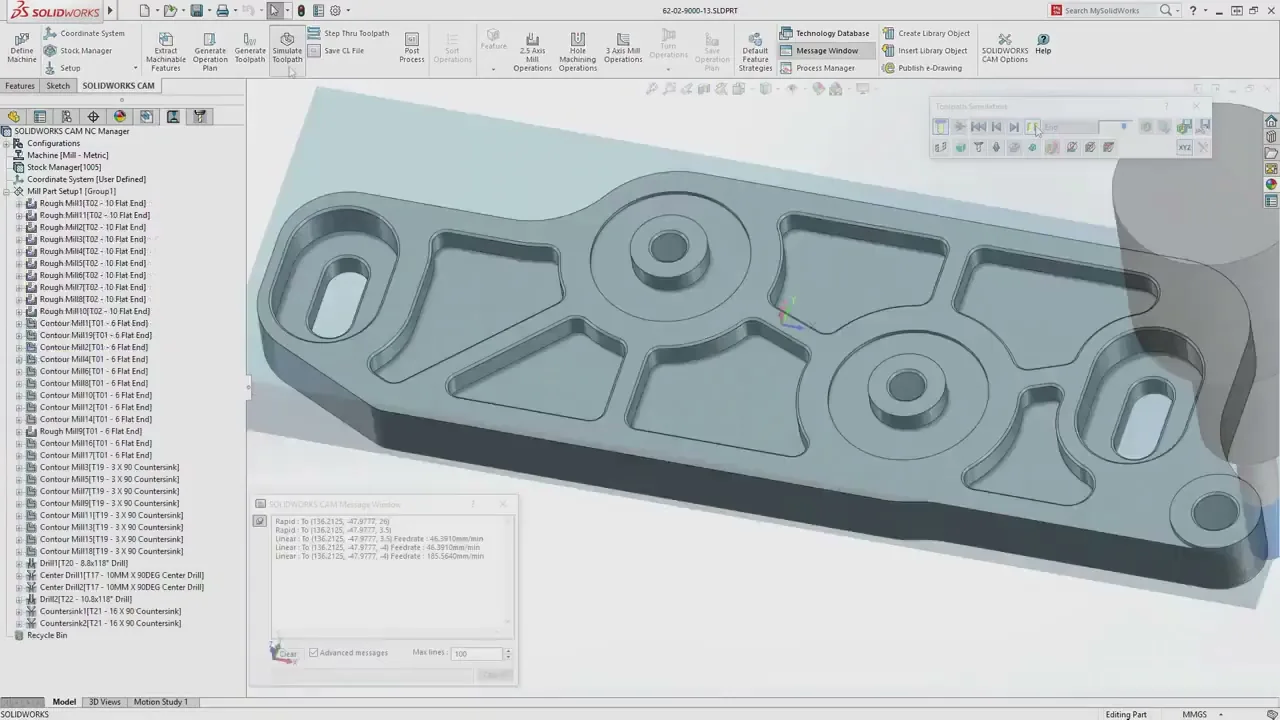
The CAM That Isn't a Black Box
Machinists distrust CAM that hides its work. Program instructions in the operation tree, feature recognition that asks instead of guesses, and full machine simulation at every tier.
It's Official: HSMWorks Is Dead on March 25, 2028
Autodesk retires HSMWorks on March 25, 2028, in their own words. What happens to your seats and CAM data, and what your shop should do now.
HSMWorks Is Ending: CAM Alternatives for SOLIDWORKS
HSMWorks retires March 25, 2028. The honest alternatives, why you re-program no matter where you go, and where a SOLIDWORKS shop should land.
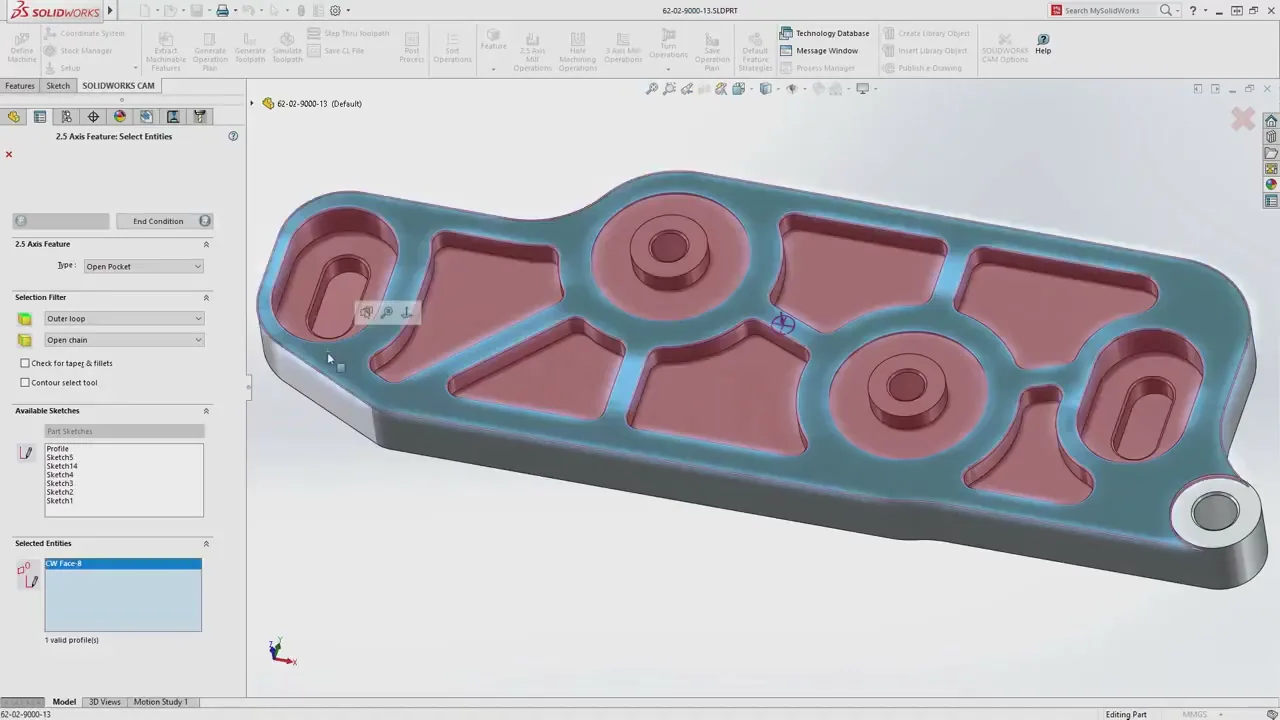
HSMWorks vs CAMWorks: Operation-First or Feature-First?
Eight years of machinists arguing about HSMWorks vs CAMWorks, boiled down to the one distinction that actually matters and the detail the forums get wrong.
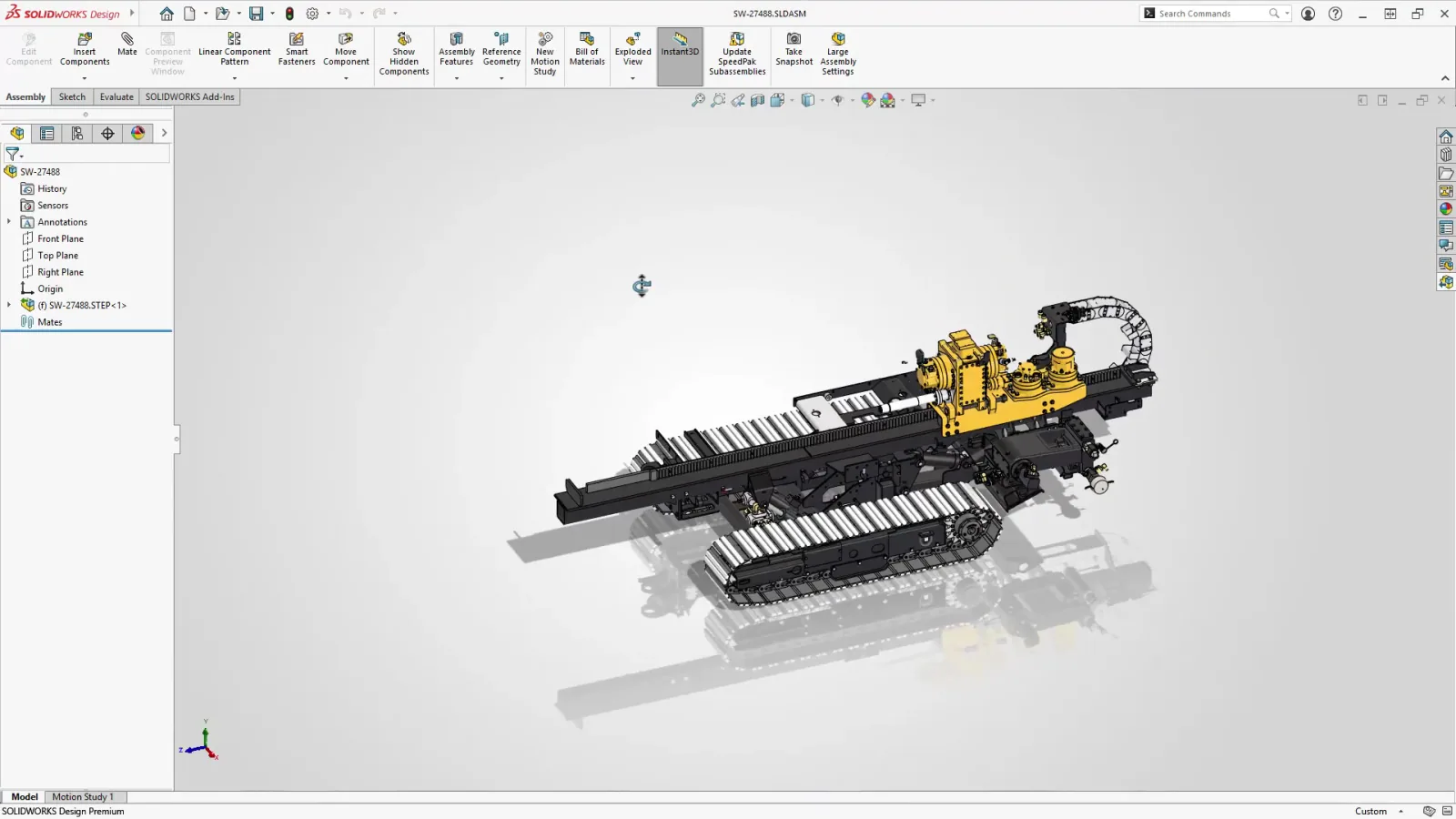
HSMWorks Is Ending: Is Fusion the Only Option?
Autodesk points HSMWorks users to Fusion, but for a SOLIDWORKS shop it is not the only option, or the best one. The alternatives Autodesk will not mention.
How to Migrate From HSMWorks to SOLIDWORKS CAM
A practical, step-by-step plan for making the switch: run in parallel, rebuild posts and tooling, and re-program in phases before the 2028 deadline.
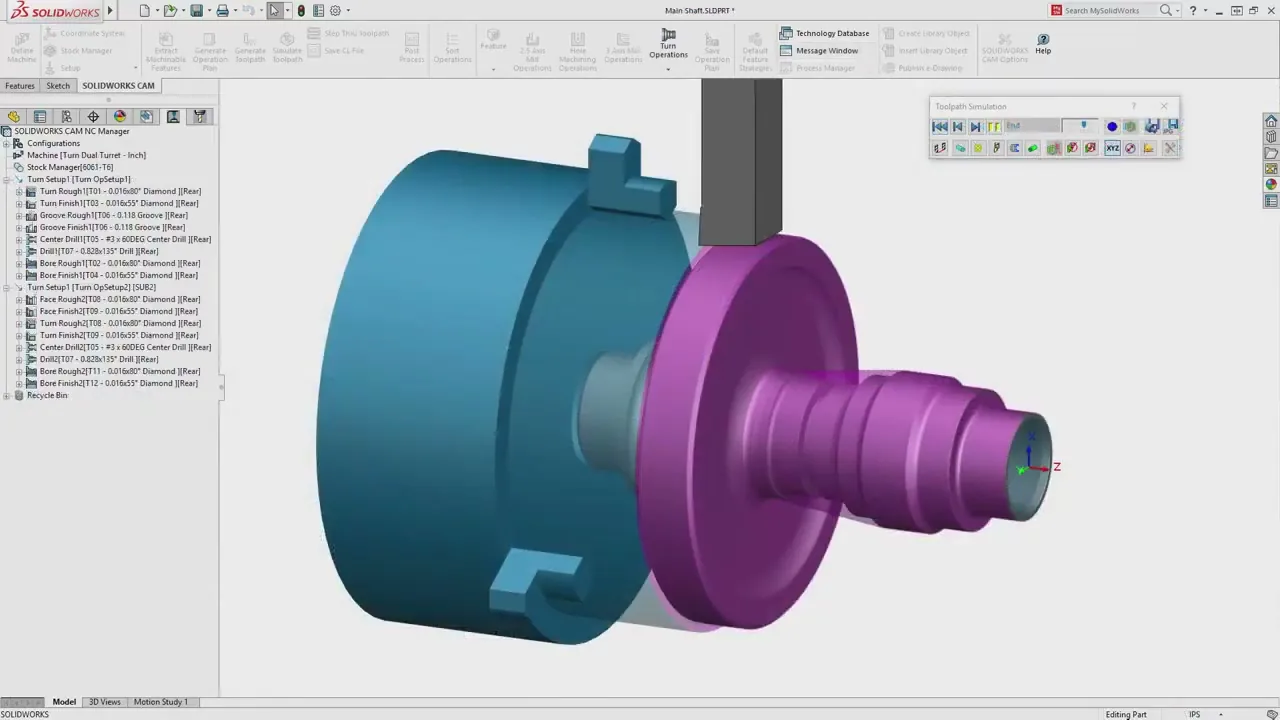
What's New in SOLIDWORKS CAM 2026 and CAMWorks
Bar Break Moves, collet workholding, and CAMWorks' new Swiss machining environment with Segmentation Manager and Virtual Machine simulation.
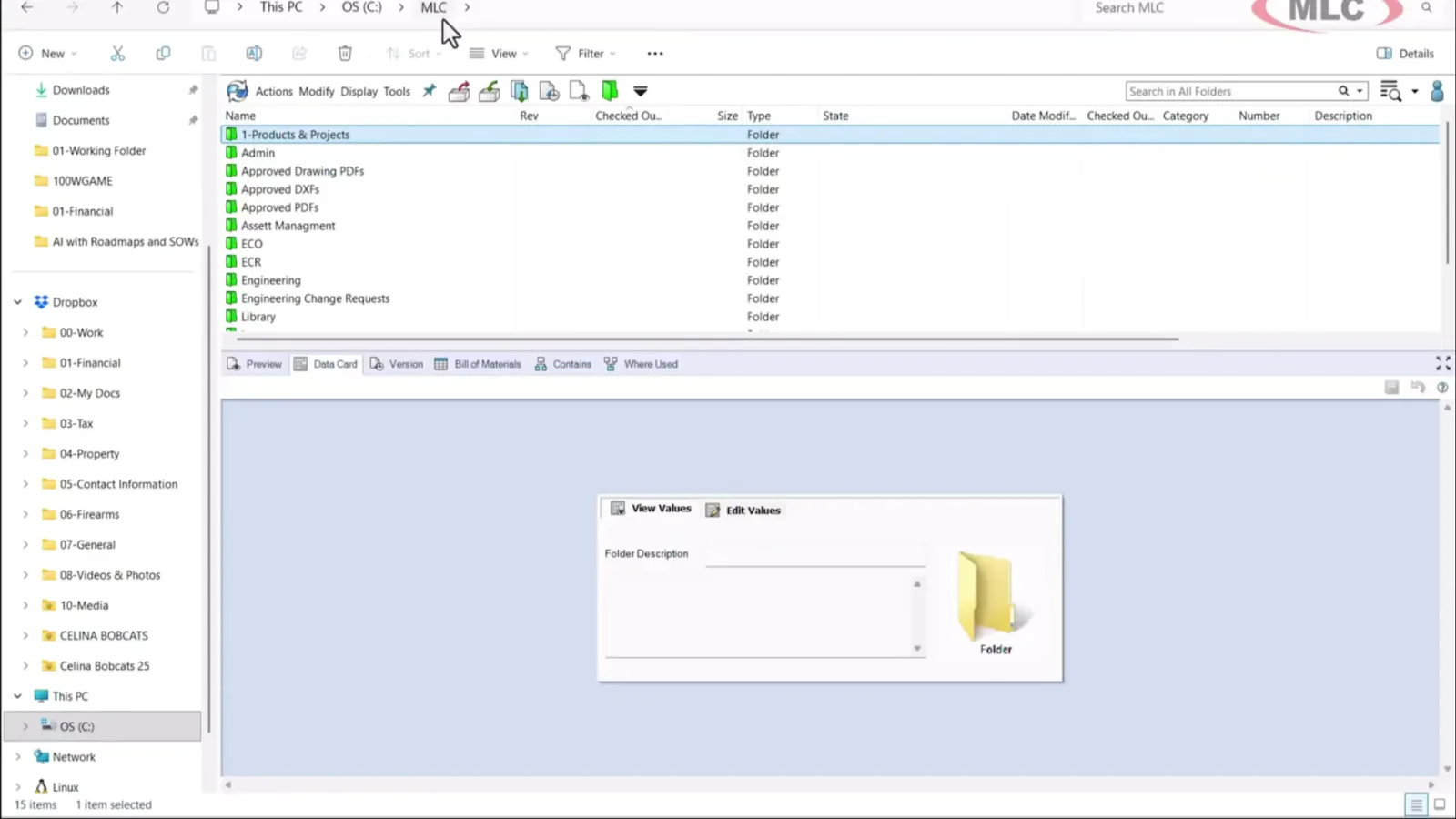
Cloud vs On-Premise SOLIDWORKS PDM
What SOLIDWORKS PDM and 3DEXPERIENCE cloud PDM each actually require, the real total cost, and the questions that decide it for a shop.
SOLIDWORKS 2026 Upgrade Guide: Windows 11 and Hardware
SOLIDWORKS 2026 requires Windows 11 and a new 32GB RAM floor. What CPU, RAM, GPU, and storage actually matter for a shop, and where not to overspend.
CAMWorks vs SOLIDWORKS CAM: A VAR's Recommendation
What SOLIDWORKS CAM Standard already covers, which CAMWorks tier actually does simultaneous 5-axis, and how a VAR that runs CNC recommends between them.

SOLIDWORKS Licensing: Standalone vs Network
How Standalone and Network (SNL) licenses actually work, what License Borrowing is for, and the honest math on which one your shop needs.
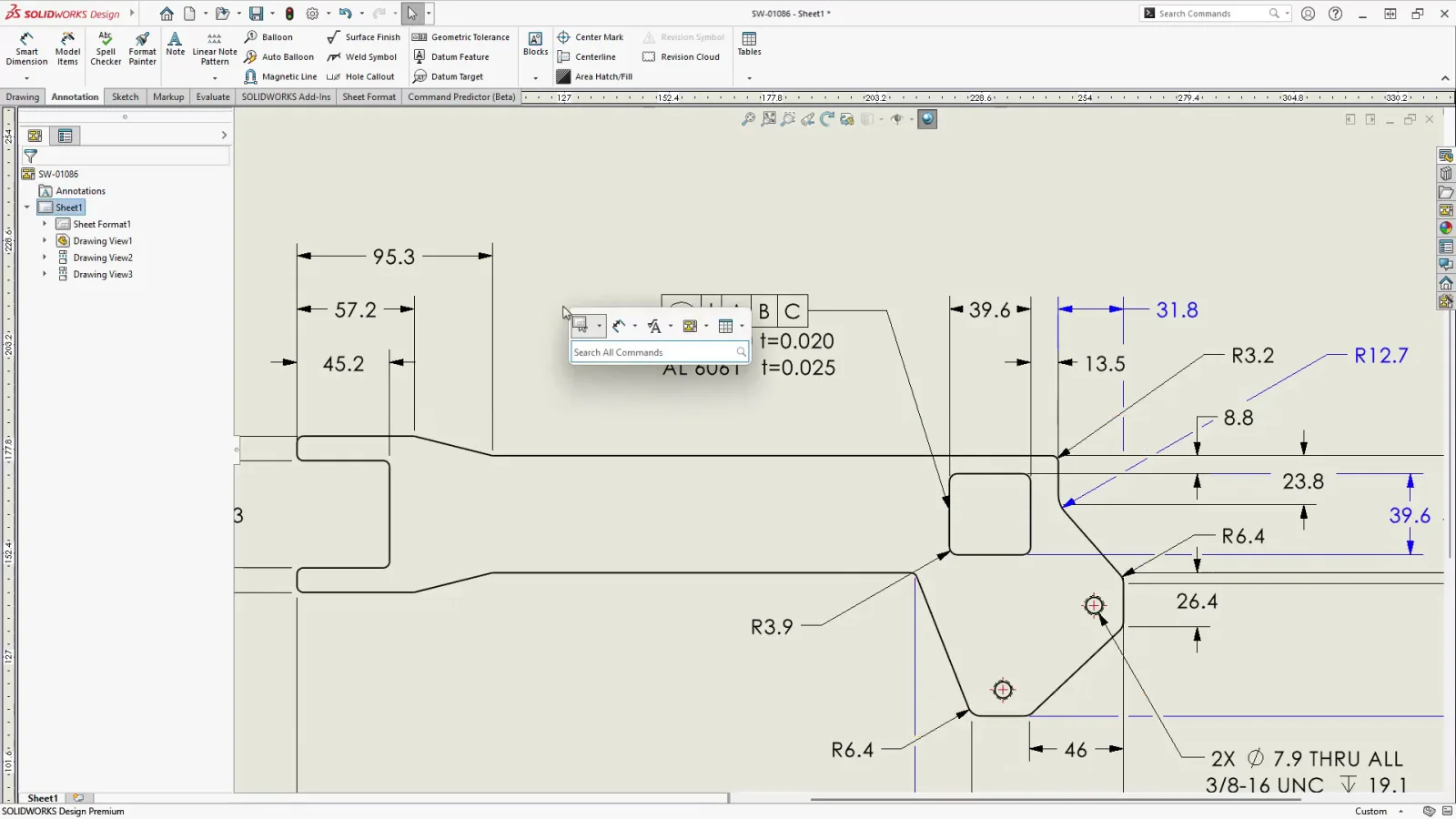
SOLIDWORKS AI Agents: What Aura, Leo, and Marie Do
Aura and Leo now run inside SOLIDWORKS 2026 in a Labs beta. What each agent does, what it will not touch, and the data question every shop should ask.
SOLIDWORKS CAM vs CAMWorks vs Mastercam
The family relationship explained first, then a fair comparison on integration, feature recognition, toolpaths, and posts, so you can match CAM to your shop.
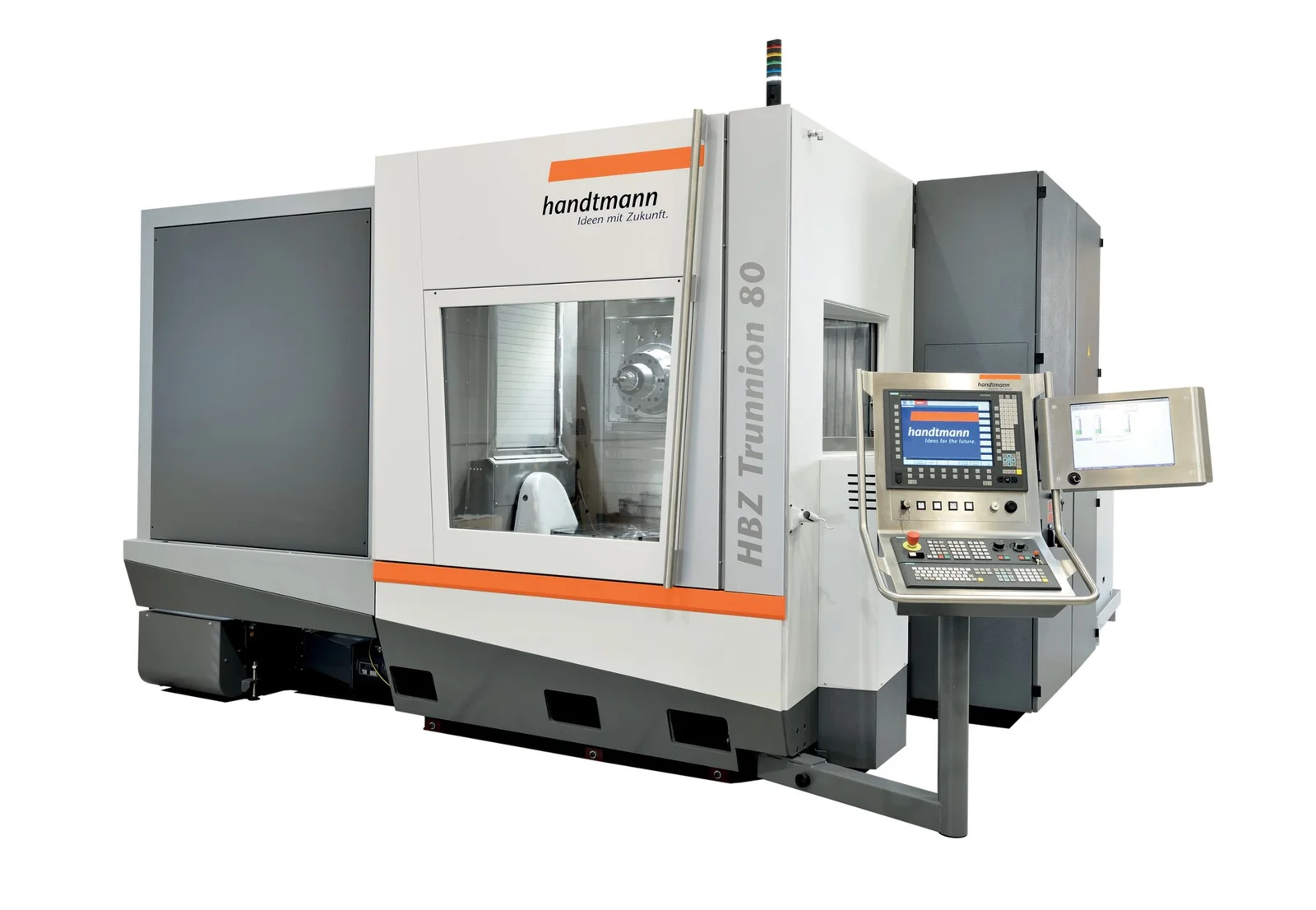
SOLIDWORKS CAM 5-Axis vs 3+2 Machining
3+2 positional versus simultaneous 5-axis: fewer setups, shorter tools, better finish, where each one lives in the software, and when each pays off.
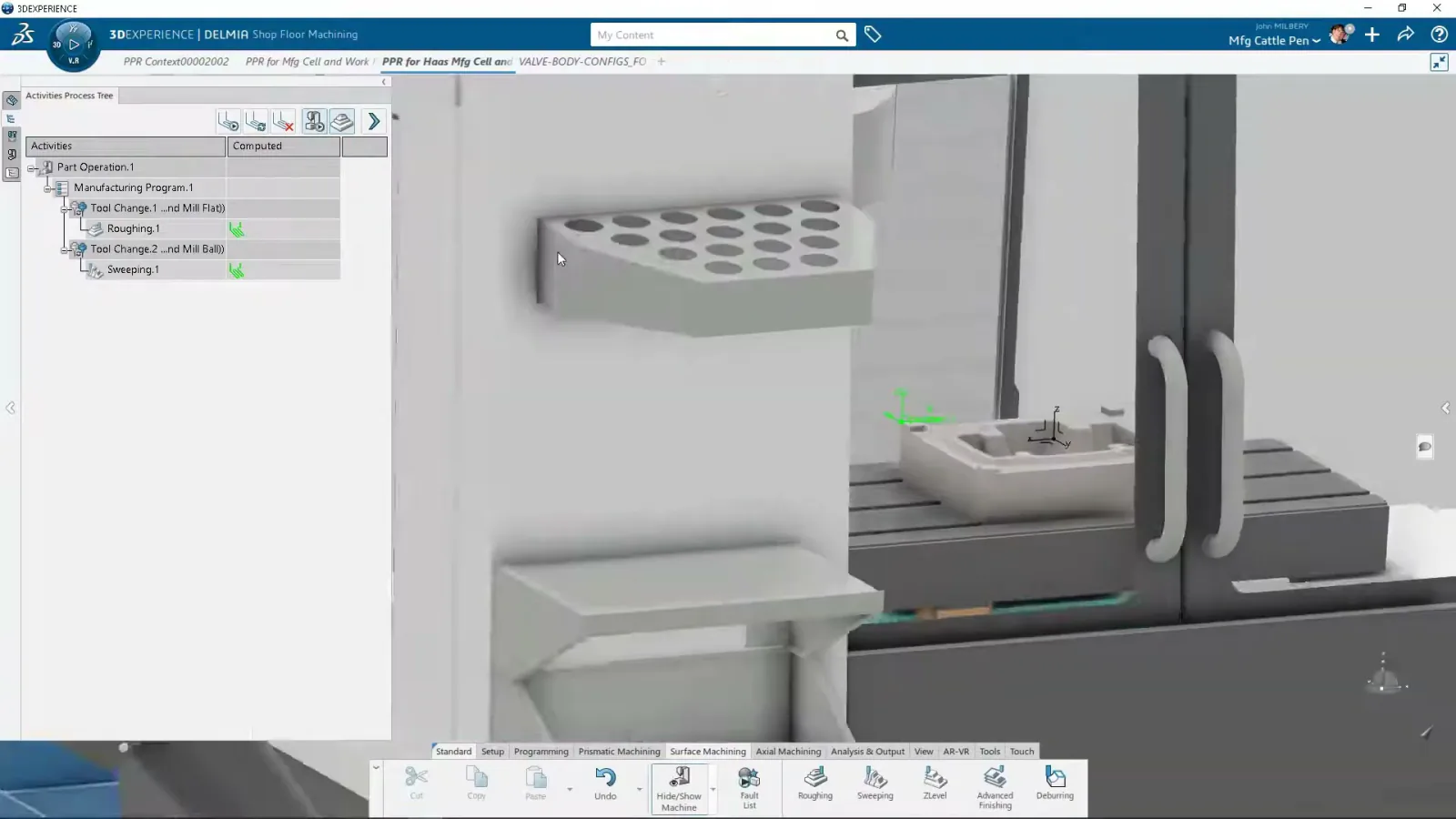
SOLIDWORKS CAM TechDB: Knowledge-Based Machining
How the Technology Database captures your shop's tools, feeds, and strategies so SOLIDWORKS CAM programs repeat features automatically, and how to build your own.
What's New in SOLIDWORKS 2026: A Machine Shop's Guide
The 2026 features that actually matter if you make parts, the one change to plan around, and an honest upgrade verdict.
SOLIDWORKS AI in 2026: What It Does on the Shop Floor
Generative drawings, AI fasteners, and the Aura, Leo, and Marie companions, with an honest read on what AI will not do for a machinist.
SOLIDWORKS CAM Post Processors, Explained
What a post-processor does, why a generic post is risky on a real machine, and how to prove one out before it touches your spindle.
SOLIDWORKS for Machine Shops: The CAD-to-CNC Workflow
The overview: how SOLIDWORKS works for a shop from design to CAM to the machine to ERP, and what to look for when you buy it.
SOLIDWORKS vs Fusion vs Inventor for Manufacturing
Three capable CAD systems, three very different fits for a machine shop. How they compare on CAM, large assemblies, and data management.
Moving from Fusion to SOLIDWORKS: What You Keep and What You Lose
Feature history, files, and PDM. What survives the move from Fusion, what does not, and how to plan the switch without losing work.
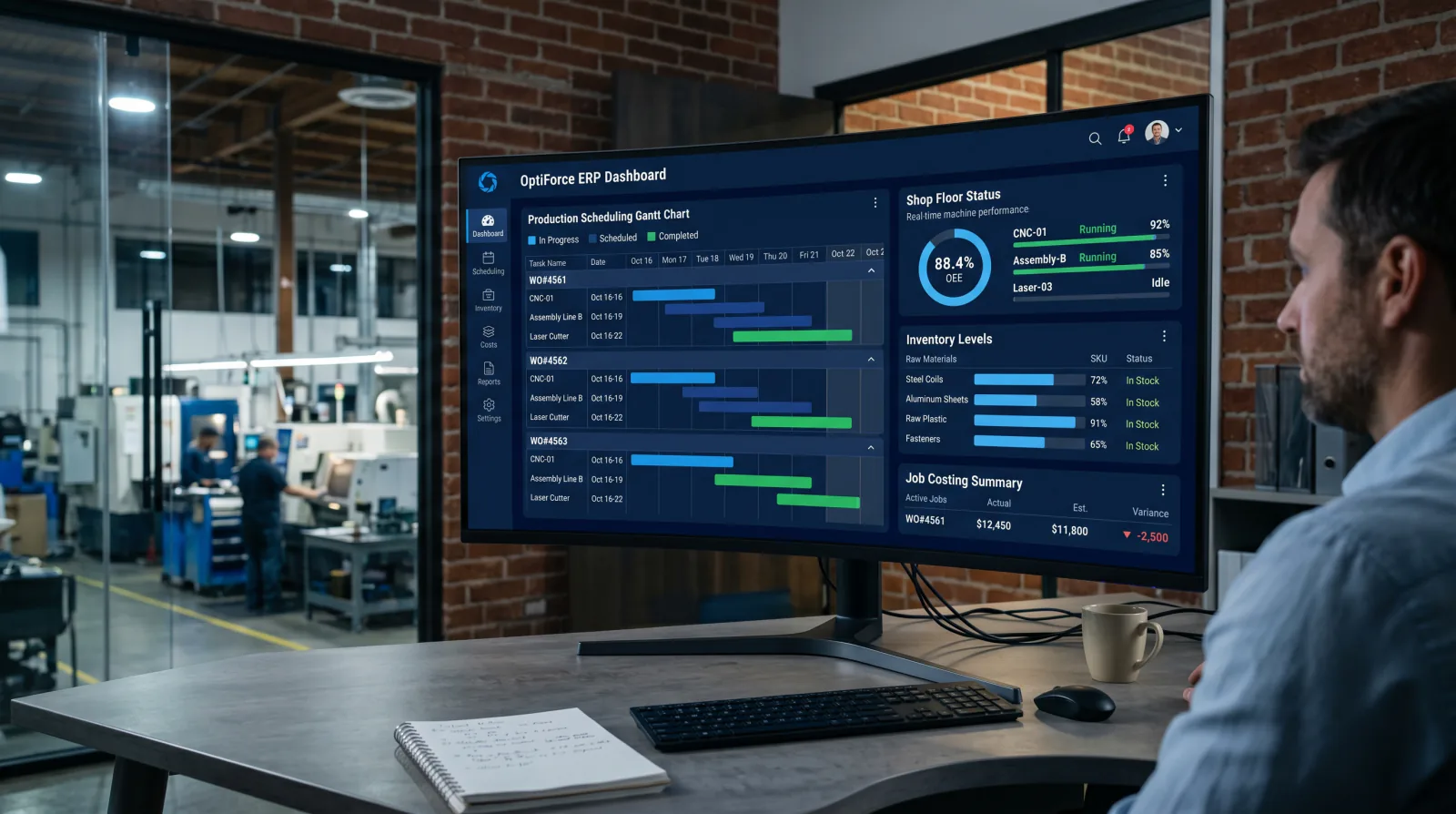
DELMIAWorks ERP for Machine Shops
The single-database ERP and MES built for manufacturing. How its scheduling, shop-floor monitoring, and quality modules fit a machine shop.
How Much Does SOLIDWORKS Cost? Pricing and Licensing
Perpetual vs subscription, Standard vs Professional vs Premium, and what actually drives a SOLIDWORKS quote. No price-list games.
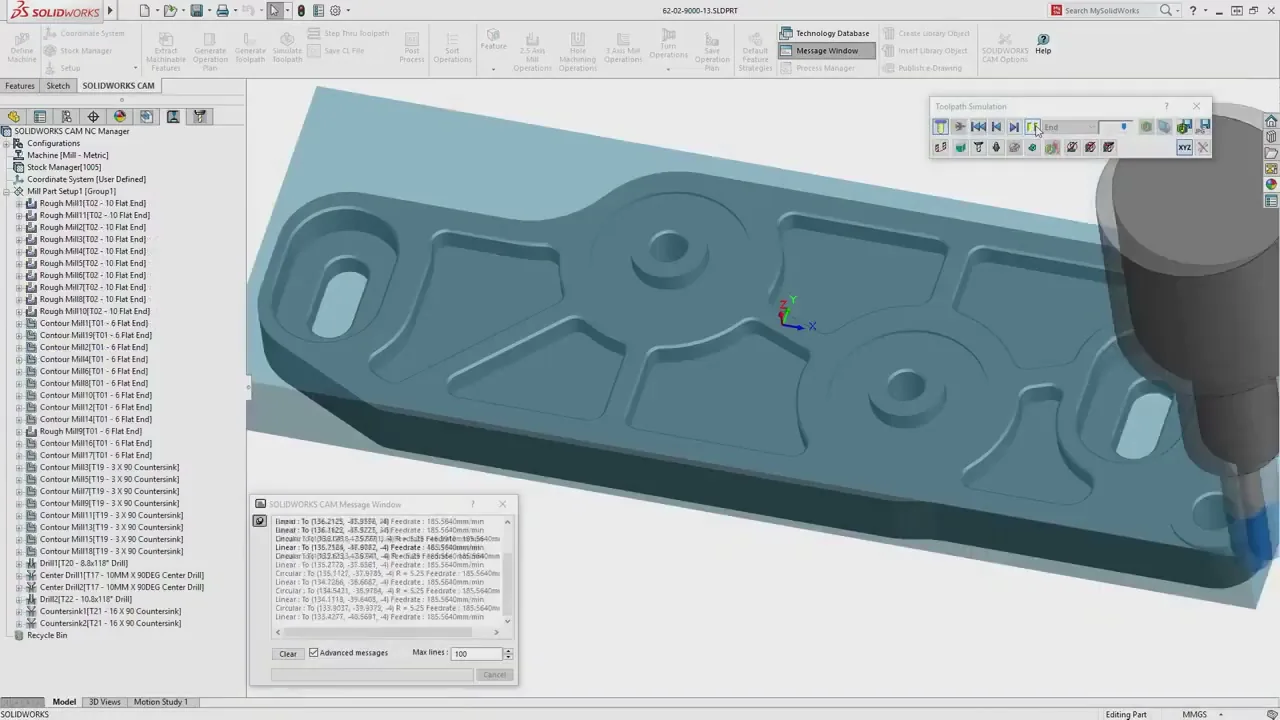
SOLIDWORKS CAM: Standard vs Professional
What is free with your subscription, what Professional adds (turning, VoluMill, 3+2), and which edition your shop needs.