
Live HSMWorks webinarThursday, October 15, 20262:00 p.m. Eastern

HSMWorks Alternatives Webinar

A practical session for SOLIDWORKS shops planning a confident transition from HSMWorks.

A focused session for shops that want time to make the right decision.

Webinar overview

A practical starting point for what comes after HSMWorks.

HSMWorks access ends March 25, 2028. We will compare SOLIDWORKS-based CAM options, identify the production knowledge worth protecting, and outline a low-risk way to validate the next workflow.

Read the full HSMWorks alternatives guide →
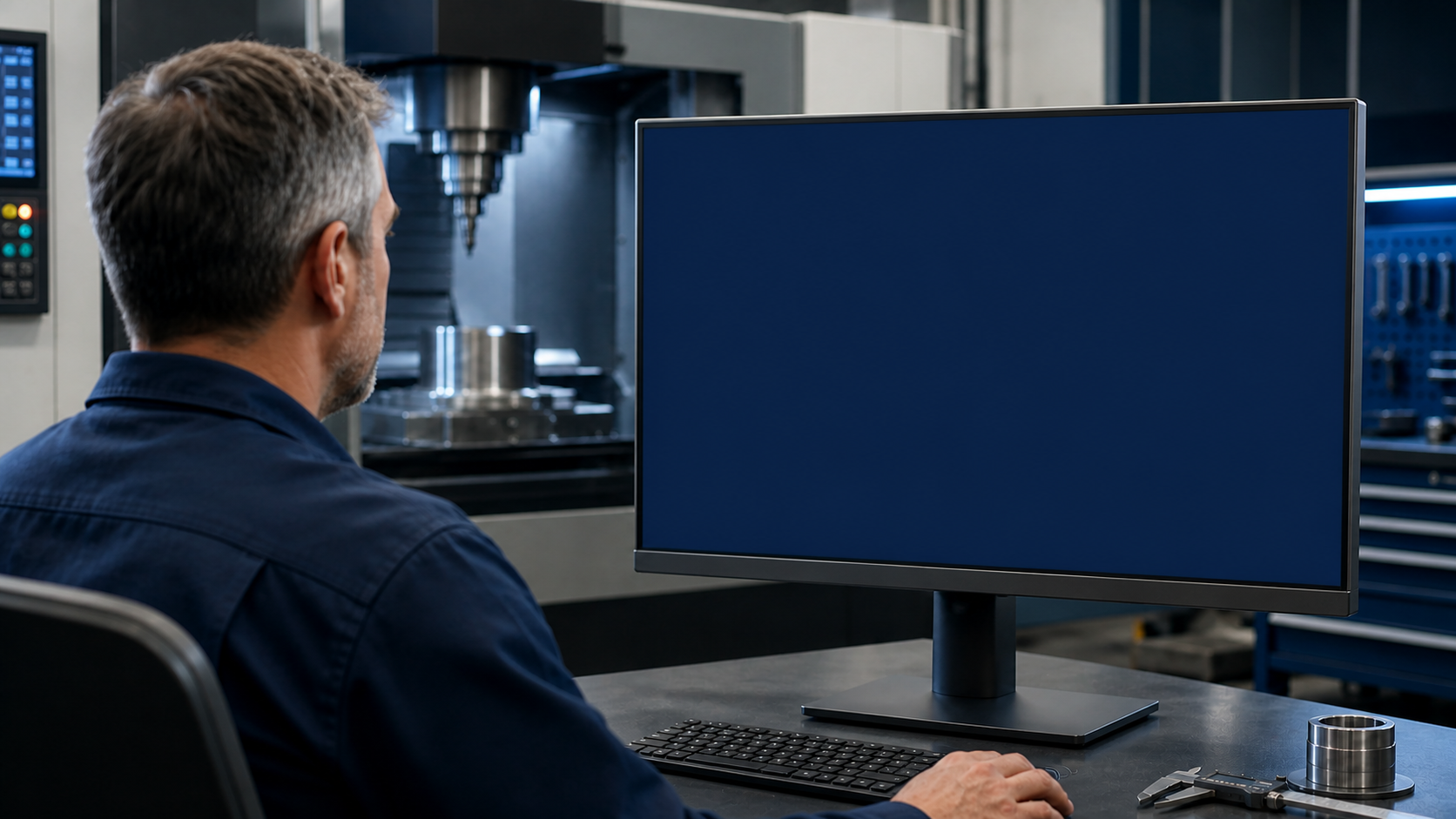
Manufacturing professional reviewing an HSMWorks end-of-life notice on a monitor

HSMWorks end of life

This is a workflow transition.

Autodesk has announced that HSMWorks will retire on March 25, 2028. A good next step starts with the work your shop depends on: parts, posts, machines, tooling, and people.

Morphos 3D helps you turn that inventory into a practical, SOLIDWORKS-based transition plan: validate representative work, scope the rebuild, train the team, and stage the rollout.

Practical perspective, from software to the shop

Your speakers.

SOLIDWORKS machining expertise, CAM implementation, and the practical shop-floor perspective needed to make a confident move.

Mike Buchli

Mike Buchli

Senior Director of Machining — SOLIDWORKS

A long-time SOLIDWORKS manufacturing voice across SOLIDWORKS CAM, NC Shop Floor Programming, and connected design-to-manufacture workflows. Mike brings a shop-floor perspective on CNC programming, prototyping, testing, production, and the practical adoption of new manufacturing technology.

Adam Kasinskas, Executive Vice President of Morphos 3D

Adam Kasinskas

Executive Vice President
Morphos 3D

Adam brings 20+ years across technical operations, sales, and the CAD-to-CAM-to-machine-to-ERP manufacturing stack. He connects the software decision to practical implementation, team adoption, and the work that has to keep moving on the shop floor.

01

"HSMWorks is ending. What are my options?"

Compare SOLIDWORKS-based CAM options against how your shop works.

02

"What exactly are we at risk of losing?"

Identify the production knowledge that must remain accessible.

03

"Can we keep the way our team works?"

Test whether your CAM workflow can stay connected.

04

"What transfers, and what has to be rebuilt?"

See what can be preserved, rebuilt, and proven out.

How Morphos can help

We move the workflow, not just the license.

From HSMWorks to a SOLIDWORKS-based CAM workflow.

Map

Parts, machines, posts

Choose

The right CAM path

Validate

Representative work

Implement

Planned changeover

Train

Productive programmers

We identify what should be carried forward, rebuilt, or validated for your shop.

Workshop agenda

What we will work through together.

01What changes in 2028, and what your shop needs to protect.
02How to evaluate practical SOLIDWORKS-based CAM options.
03What to preserve, rebuild, validate, and prove on representative work.
04How to plan the transition without creating a shop-floor emergency.

1:1 transition planning

Book a 1:1 planning session.

If you have an immediate question about an HSMWorks workflow, we can start with the production knowledge behind it: your programs, posts, tool libraries, parts, machines, programming requirements, and timeline.