
SOLIDWORKS® Design
Industry-standard 3D CAD with parametric modeling, simulation, and cloud collaboration. Available in four tiers to match your engineering workflow.
The World’s Most-Used 3D CAD Platform
8 million engineers. 500,000 companies. Solid modeling, assemblies, 2D drawings, and simulation — all in one environment built for manufacturing.
- Parametric solid modeling with assembly design and production-ready 2D drawings
- Four tiers — Standard, Professional, Premium, Ultimate — upgrade as you grow
- Named User License: assigned to you, works on any machine
- SOLIDWORKS 2026: AI drawing automation and the AURA design assistant
 Morphos 3D is an authorized SOLIDWORKS reseller with deep manufacturing expertise.
SOLIDWORKS Design Packages
Four tiers, each building on the one below. Pick what you need today — upgrading is straightforward as your requirements grow.
Full parametric modeling, assemblies, 2D drawings, sheet metal, weldments, and cloud share. The complete SOLIDWORKS design environment.
Get a QuoteAdds PDM Standard file management, Toolbox, PhotoView rendering, design cost estimation, and ECAD/MCAD collaboration.
Get a QuoteAdds linear static stress analysis, motion analysis, pipe and tube routing, and advanced surface flattening.
Get a QuoteAdds cloud-based design and simulation, manufacturing tools, technical documentation, and full 3DEXPERIENCE platform integration.
Get a QuoteCompare All Features
| Capability | Standard | Professional | Premium | Ultimate |
|---|---|---|---|---|
| 3D Parametric Modeling | ✓ | ✓ | ✓ | ✓ |
| Assemblies and Drawings | ✓ | ✓ | ✓ | ✓ |
| Sheet Metal and Weldments | ✓ | ✓ | ✓ | ✓ |
| Design Automation (Equations, Configs) | ✓ | ✓ | ✓ | ✓ |
| Cloud Share and Markup | ✓ | ✓ | ✓ | ✓ |
| Toolbox (Standard Parts Library) | — | ✓ | ✓ | ✓ |
| Design Cost Estimation | — | ✓ | ✓ | ✓ |
| PhotoView 360 Rendering | — | ✓ | ✓ | ✓ |
| ECAD/MCAD Collaboration | — | ✓ | ✓ | ✓ |
| PDM Standard (File Management) | — | ✓ | ✓ | ✓ |
| Linear Static Stress Analysis | — | — | ✓ | ✓ |
| Motion Analysis (Kinematics) | — | — | ✓ | ✓ |
| Pipe, Tube, and Wire Routing | — | — | ✓ | ✓ |
| Advanced Surface Flattening | — | — | ✓ | ✓ |
| Cloud-Based Design and Simulation | — | — | — | ✓ |
| Cloud Manufacturing and Documentation | — | — | — | ✓ |
| 3DEXPERIENCE Platform Integration | — | — | — | ✓ |
Not sure which tier fits your team? Talk to us — we can help you evaluate what you actually need.
What You Can Do with SOLIDWORKS Design
Build fully detailed 3D parts using feature-based parametric modeling, then bring them together in assemblies that capture real-world relationships like mates, motion, and interference. Generate production-ready 2D drawings directly from the 3D model, with dimensions, tolerances, and BOMs that update automatically when the design changes.
- Multi-body parts and split/combine workflows
- Top-down and bottom-up assembly design
- Automated BOM generation with custom properties
- Sheet metal flat patterns with bend tables
- Weldment profiles and cut lists
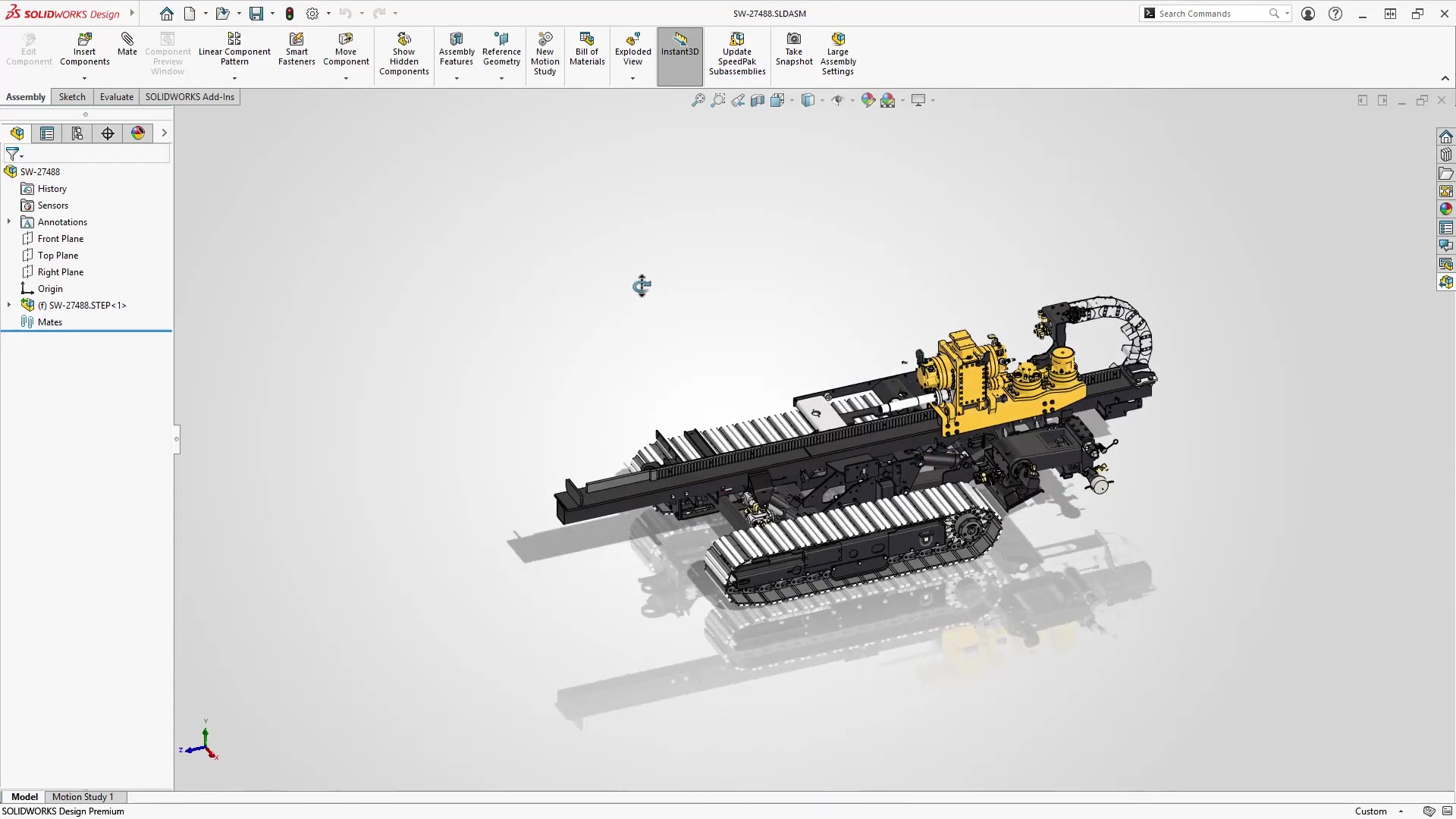
Test your designs before cutting metal. SOLIDWORKS Simulation tools run inside the CAD environment, so you can check stress, displacement, thermal behavior, and motion without exporting to a separate tool. Premium and Ultimate tiers add linear static analysis, motion studies, and fatigue analysis.
- Static stress analysis (FEA)
- Thermal analysis
- Motion analysis with motors, springs, and gravity
- Design optimization studies
- Factor of safety and displacement plots

Professional tier and above includes PDM Standard for version control, revision management, and secure file access. Ultimate adds full 3DEXPERIENCE Platform connectivity for cloud-based collaboration across locations and teams. For teams that need enterprise-grade data management, SOLIDWORKS PDM Professional is available as a separate product.
- PDM Standard included in Professional+
- Version control with check-in/check-out
- Automated revision workflows
- Cloud share and markup for external review
- Integrates with DELMIAWorks ERP

SOLIDWORKS AI embeds machine learning directly into the tools you already use. AURA captures your team’s institutional knowledge so it’s never lost when someone walks out the door. LEO works alongside you in real time — suggesting geometry, resolving errors, and generating optimized shapes you wouldn’t have reached through a traditional design process.
- AI-assisted sketching, mating, and feature suggestions
- Design Guidance generates optimized shapes from parameters
- AURA surfaces collective design knowledge across your team
- Your designs are never used to train AI models